
Best Booking Plugins for WordPress in 2026 – Top Picks for Service Businesses

Discover the best booking plugins for WordPress in 2026. Honest pros, cons & pricing for every top tool. GemBooking leads the list for service businesses.

Zannatun Nime
The Missed Booking Is the One That Hurts the Most
It’s 11 PM. Someone just decided they need exactly what you offer. They land on your WordPress site, ready to book — and there’s a contact form sitting there, staring back at them.
They close the tab. They don’t come back.
This isn’t a hypothetical anymore. Roughly 70% of all online appointments are booked outside regular business hours, and 94% of consumers now prefer online booking over a phone call. The behavior has already shifted. The only question is whether your website is built to catch it.
By the numbers: The global online appointment scheduling market is expected to surpass $1.5 billion by 2026. WordPress itself powers 43.5% of all websites globally — which means the majority of service businesses online are one good plugin away from turning their site into a 24/7 booking machine.
The problem isn’t finding a booking plugin. There are hundreds of them. The problem is finding the right one — one that matches how your business actually works, scales when you grow, and doesn’t become a liability the moment you need something slightly outside its comfort zone.
This guide does that work for you. Every plugin on this list has been evaluated against what matters in 2026: mobile experience, calendar sync quality, payment handling, staff management, and long-term value. Each one gets an honest look — what it does well, where it falls short, and who it’s actually built for.
What Separates a Great Booking Plugin from a Forgettable One
Before the list, a quick benchmark. The WordPress booking plugin landscape shifted dramatically in 2026 — major reshuffles, a notable player removed from WordPress.org, and newer tools gaining real ground. The standard has risen.
Here’s what a plugin needs to clear in 2026:
- Mobile-first booking flow — 82% of customers now book from their phones. A form that works on desktop but fumbles on mobile is a conversion killer.
- Two-way calendar sync — Google Calendar and Outlook sync that works both directions. One-way sync is a half-measure that still causes double-bookings.
- Payment at booking — Deposits or full payments captured upfront. This alone reduces no-shows dramatically.
- Automated reminders — Email at minimum. SMS and WhatsApp for businesses where no-shows cost real money.
- Staff and resource management — Individual availability, shift control, and conflict detection that works automatically.
- Performance — The average WordPress page already loads in 3.4 seconds, above Google’s recommended threshold. A bloated booking plugin makes that worse.
Every plugin below is measured against these. Here’s the list.
1. GemBooking — The One System That Does It All
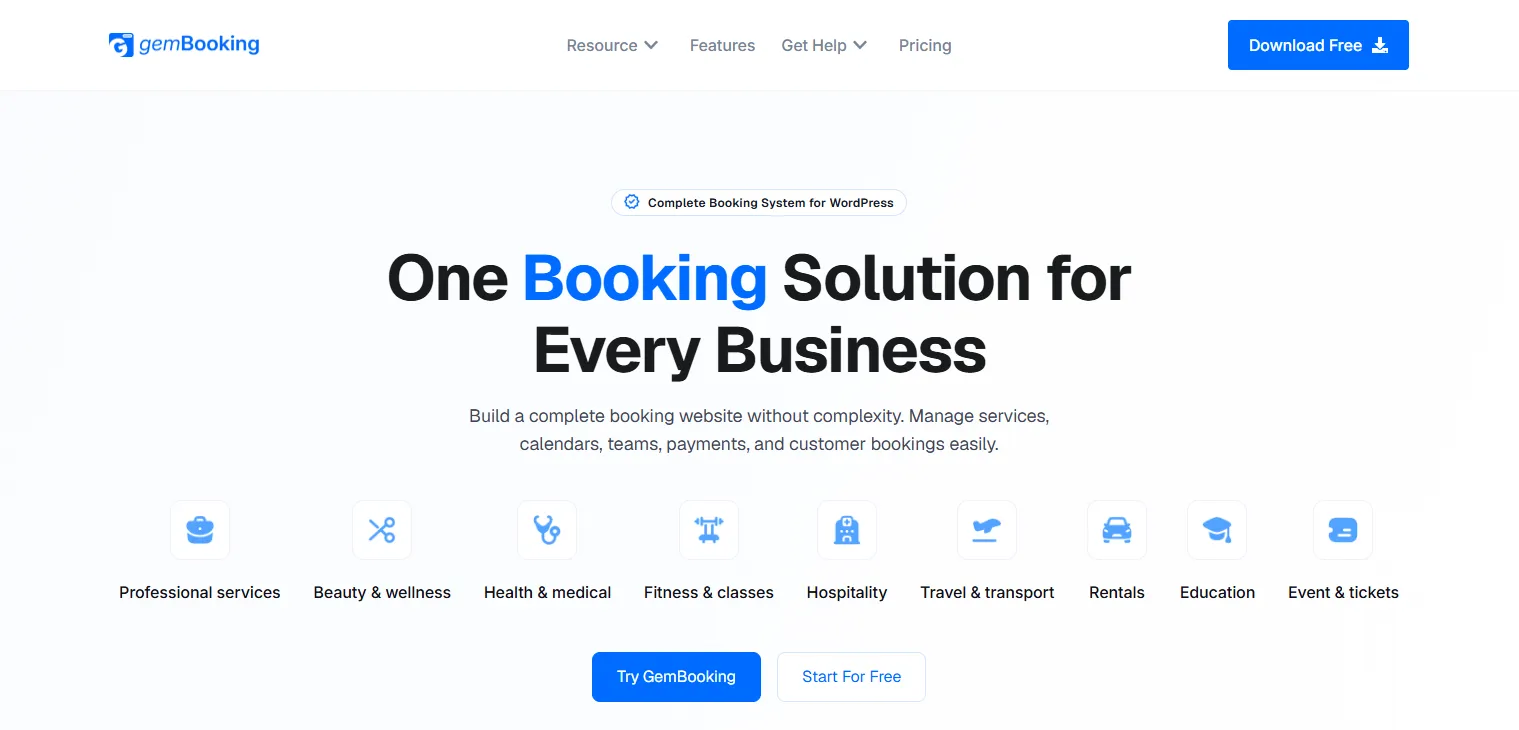
GemBooking is a complete booking infrastructure for WordPress, designed from the start to handle the full range of what modern service businesses actually need — appointments, ticketed events, group bookings, bookable resources, and custom scheduling workflows, all from one unified dashboard. Round robin host assignment distributes bookings automatically to the lowest-load team member, server-side conflict detection prevents double-bookings at the system level, and QR code ticketing for events makes it the only plugin on this list that handles both appointments and live events natively — without a single add-on.
✅ Pros
- Handles appointments, events, rentals, and group bookings in one system
- Round robin staff assignment balances team workload automatically
- Server-side conflict detection prevents double-bookings at the system level
- QR code ticket generation for events — rare and genuinely useful
- Auto-cleanup of abandoned bookings keeps the calendar clean without manual work
- Customer self-service rescheduling reduces back-and-forth emails
- Booking frequency limits protect your schedule from repeat over-bookers
- Timezone-aware scheduling works correctly for international clients
- 14-day money-back guarantee
- Early Bird LTD pricing eliminates annual fees permanently
❌ Cons
- Newer plugin — smaller community and fewer third-party tutorials than Bookly or Amelia
- SMS and WhatsApp notifications — verify availability on official site
- Documentation still growing compared to more established competitors
- WooCommerce native checkout integration — confirm if this is a requirement for your setup
Pricing: Free version available. Pro $79/year.
2. BookingPress - The Complete Appointment System Built for Every Business
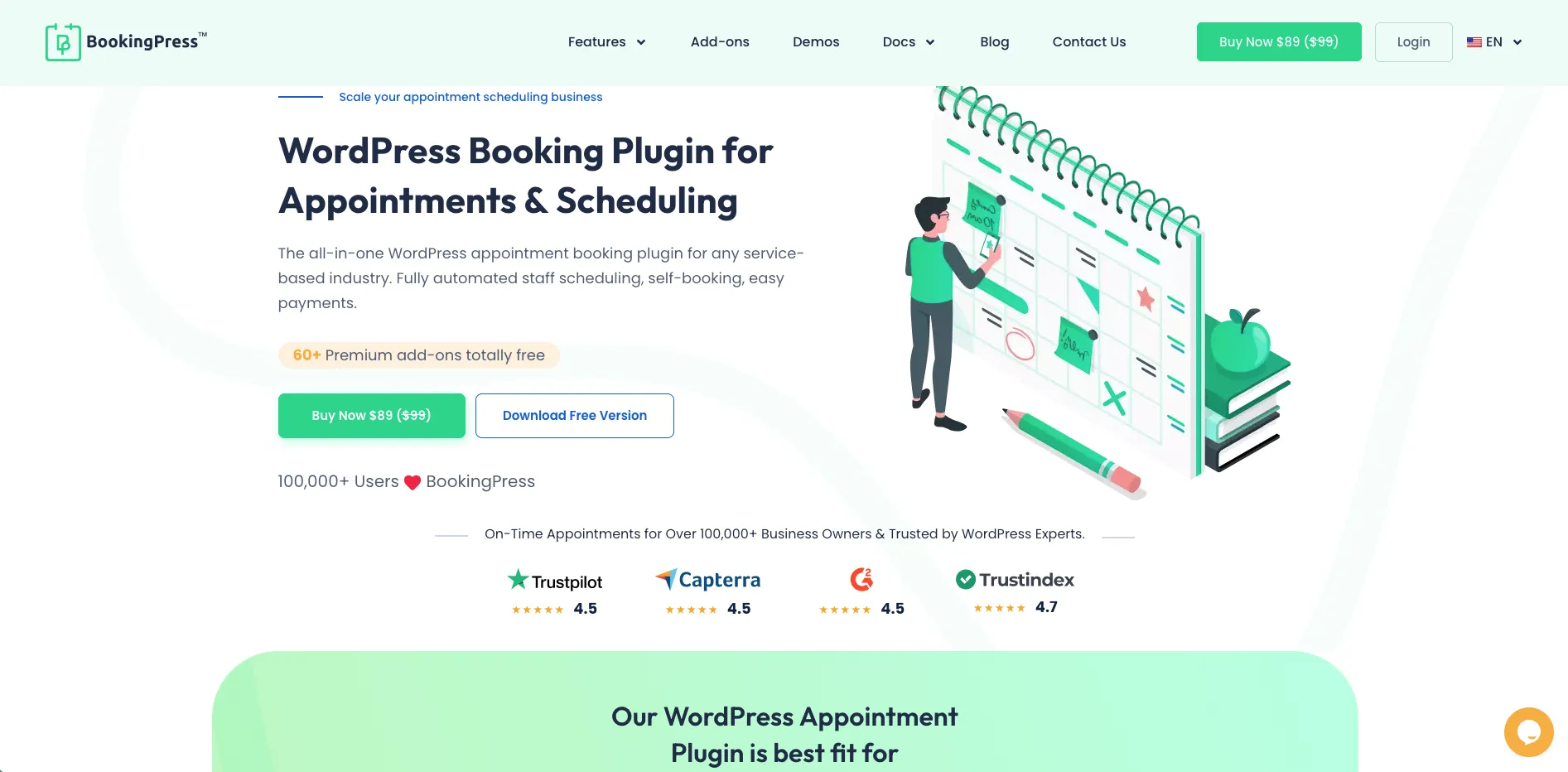
BookingPress is the best appointment booking plugin for WordPress thanks to its rich feature set and user friendliness. Trusted by 100,000+ services businesses along with a solid rating of 4.5 on Trustpilot, it is an industry-leading booking system for modern businesses. Compared to all the other plugins on this list, BookingPress SaaS-like interface makes scheduling for clients, staff and admin hassle-free. For businesses across industries that need a reliable appointment booking system, BookingPress is the one to go.
✅ Pros
- All-in-one bundled pricing; You get all 60+ premium addons at zero extra cost
- Over 21+ payment gateways + POS System for secure local and international transaction
- Modern SaaS-like user interface
- Centralized analytics dashboard with detailed reports
- Automatic notifications via Email, SMS, WhatsApp and Telegram to lower no-shows
- Shows “Add to Calendar” shortcuts (Google, Outlook, iCal and Yahoo) on the successful booking page
- Fully customizable booking form with extensive styling
- Advanced staff and location management
- Good documentation and excellent customer support
- Generous free version to get started with all essential features
❌ Cons
- No dedicated mobile app for staff members; Although every staff member gets a dedicated staff dashboard
- No dedicated event ticketing system
- Needs premium version for advanced features
- Activating many built-in features at once adds extra settings sub-menus
Pricing: Free version available. Standard $89/year.
3. Bookster — Flexible Appointment Booking for Growing Service Businesses
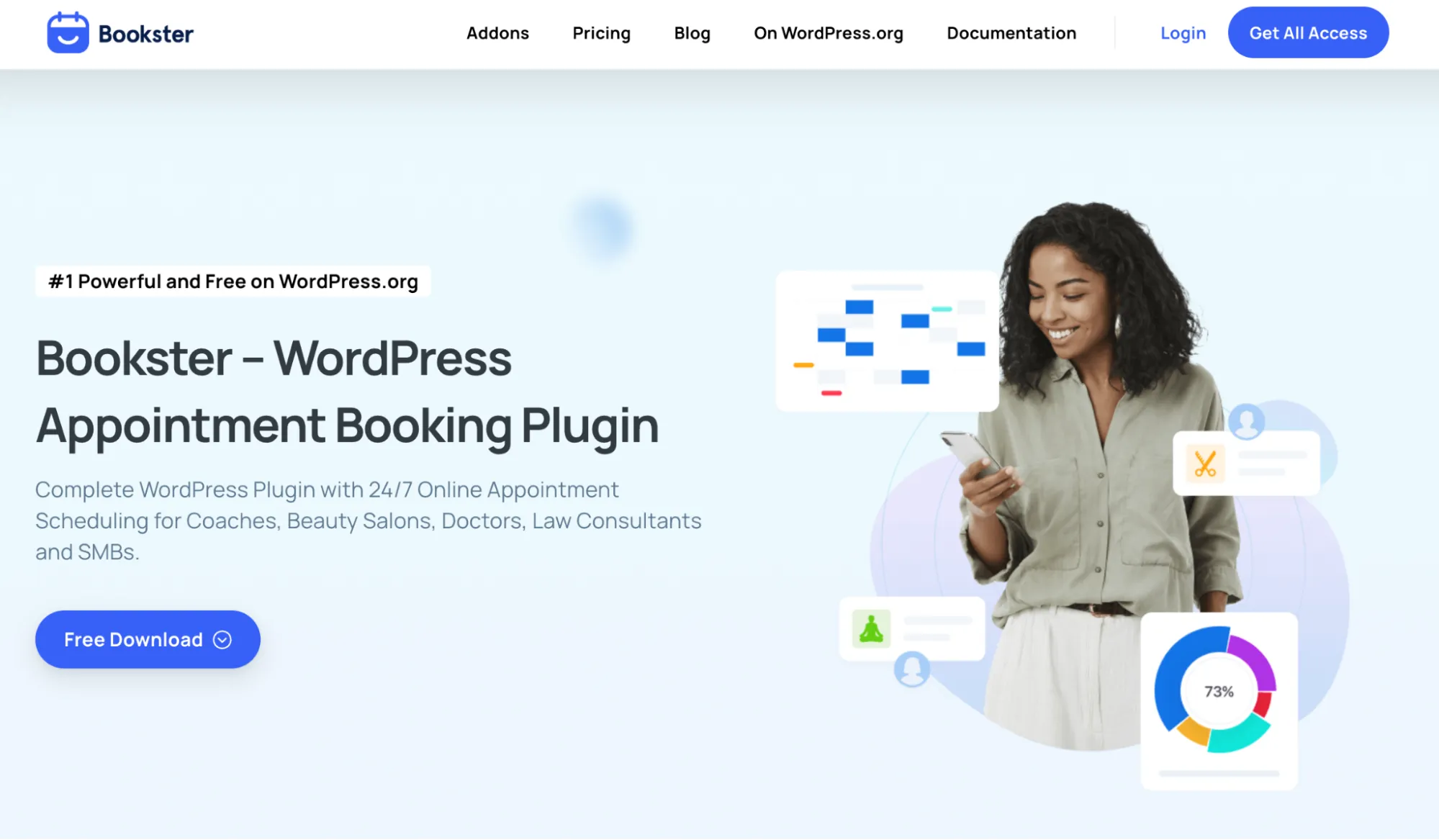
Bookster is a WordPress appointment booking plugin designed for service businesses that want to replace manual scheduling with an online booking system. It supports unlimited services and appointments, allowing businesses to create different services, set availability, assign staff, and let customers book directly from their website. Its admin calendar provides a centralized view of appointments, while customizable booking forms help collect the information you need from customers.
Bookster also offers plenty of flexibility for businesses with more complex scheduling needs. You can manage unlimited agents, support multiple locations, create group bookings, and add custom fields to your booking forms. For payments, Bookster supports Stripe and PayPal, while Google Calendar integration and automated email notifications help keep appointments organized. Additional add-ons can extend the system with features such as deposits, taxes, discounts, SMS notifications, and extra service options.
✅ Pros
- Free version available for basic appointment scheduling
- Supports multiple services, staff members, and locations
- Customizable booking forms and time slots
- Supports online payments through Stripe and PayPal
- Google Calendar integration
- Group bookings and custom fields
- Automated email notifications
- Add-ons allow you to expand the booking system as your business grows
❌ Cons
- Some advanced features require premium add-ons
- Businesses with very specialized booking workflows may need to configure several add-ons
- The number of available options can take some time to set up for larger businesses
Pricing: Free version available. Paid plans and add-ons are available for businesses that need advanced scheduling, payment, notification, and booking management capabilities.
4. Amelia — Beautiful, Polished, and Built for Visual-First Businesses
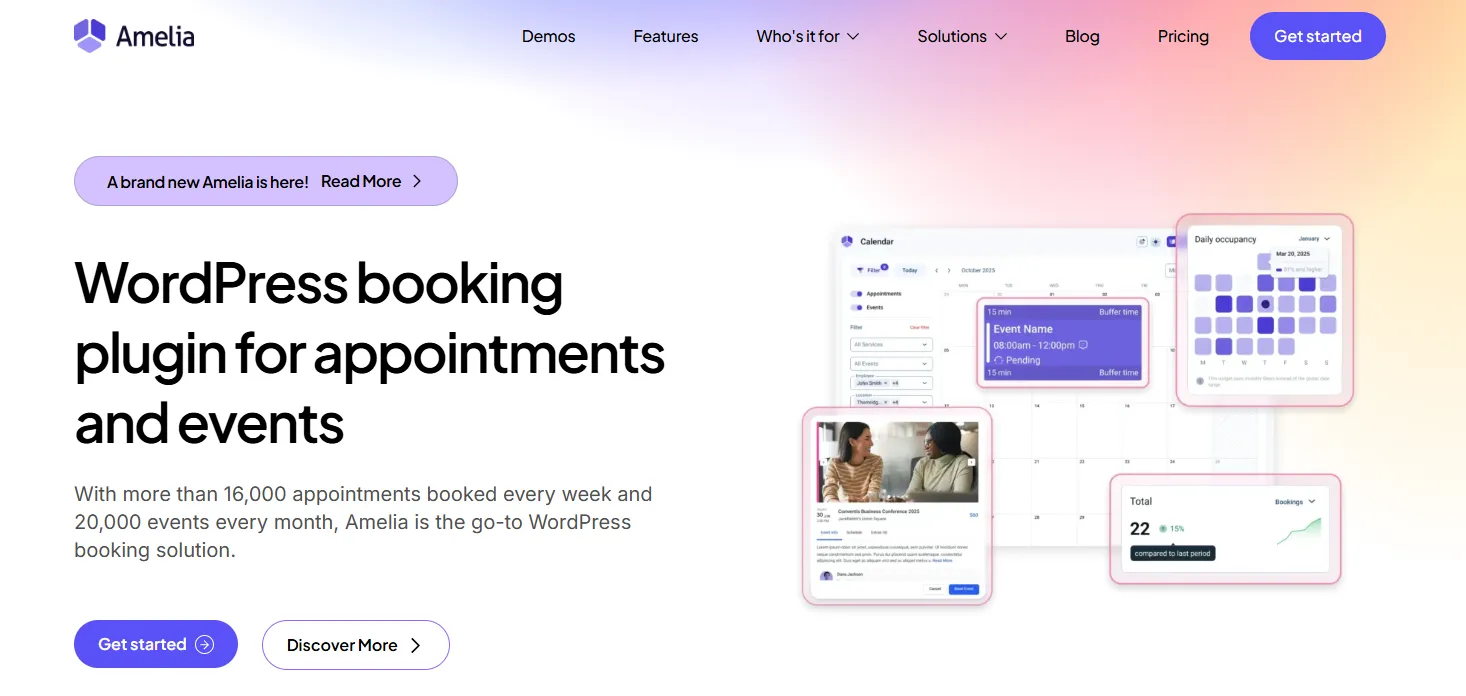
Amelia has 90,000+ customers and a 4.6-star rating on WordPress. Of all the booking plugins on this list, Amelia’s interface is the one clients are most likely to compliment. The booking flow is smooth, the employee panels are genuinely useful, and the events system handles ticketing, recurring events, and waiting lists without needing a separate plugin. For fitness studios, wellness centers, and photography studios where the booking experience is part of the brand impression — Amelia earns its place.
✅ Pros
- Most visually polished booking interface on this list
- Implemented MCP (Model Context Protocol) support for AI-driven booking
- Strong events system with ticketing, recurring events, and waiting lists
- Employee panels — each staff member manages their own schedule
- Group booking for classes and workshops
- Solid Stripe and PayPal integration
- Active development with regular updates
- Good documentation and support resources
❌ Cons
- Setup is time-consuming — large number of configuration options
- Resource-intensive — can slow down budget hosting environments
- No resource or rental booking capability
- Pricing escalates quickly as advanced features are unlocked
- Recurring appointments locked behind higher-tier plans
- Can feel overkill for simple solo-practitioner use cases
Pricing: Free version available. Basic €49/year.
5. Bookly — The Battle-Tested Veteran with a Modular Approach
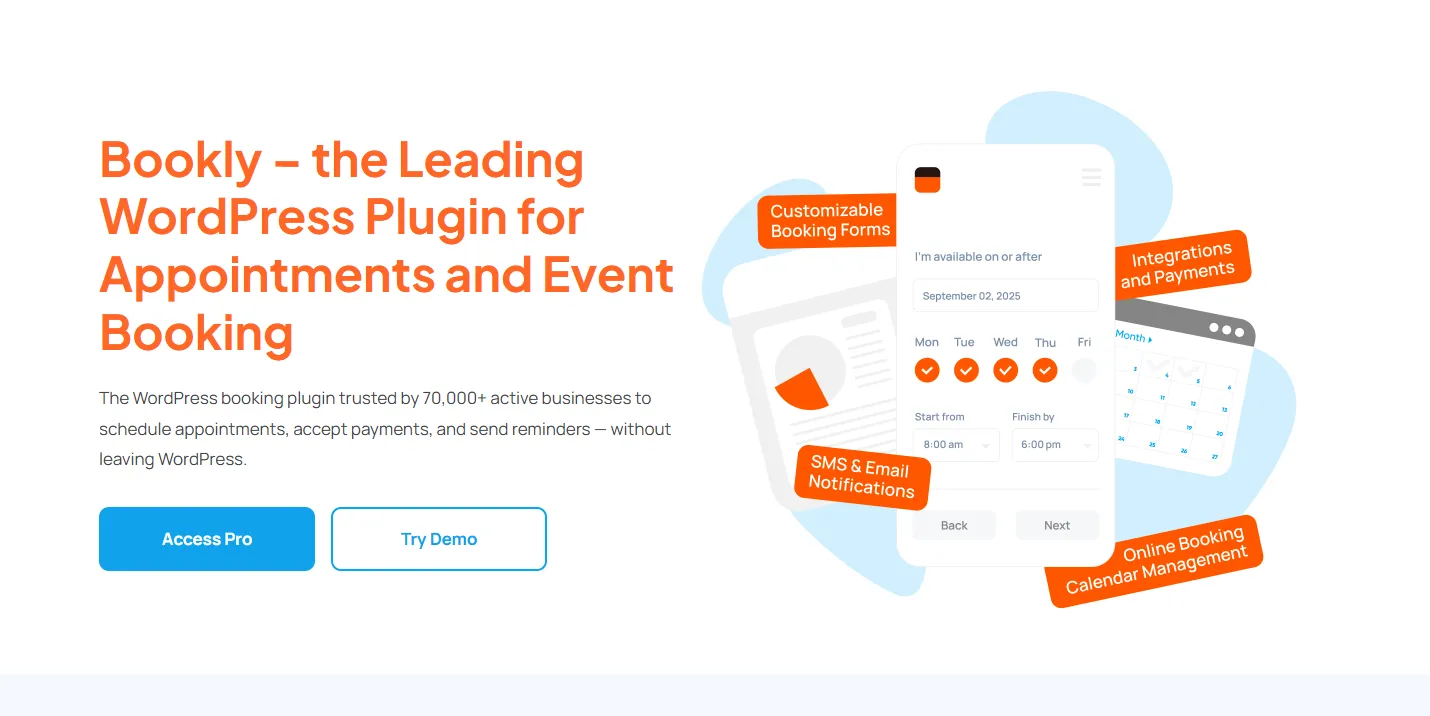
Bookly has over 3.5 million downloads and 553 reviews on WordPress.org — the most proven reliability track record on this list. The step-by-step booking wizard is clean, client-friendly, and converts well. Staff scheduling, SMS notifications, deposit payments, and WPML multilingual support are all available. The catch: costs can snowball quickly as you add paid add-ons — the free version is limited to one staff member and five services, with no payments and no calendar sync included.
✅ Pros
- 3.5M+ downloads — the most proven reliability track record on this list
- Clean step-by-step booking wizard clients find easy to use
- Large official add-on ecosystem for very specific use cases
- WPML multilingual support for international businesses
- Deposit payments to secure time slots upfront
- Modular — only pay for features you actually use
- Compound services — group multiple services into a single bookable appointment
❌ Cons
- Free version is severely limited — 1 staff, 5 services, no payments, no calendar sync
- Add-on costs snowball fast — calendar sync, payments, and group booking all cost extra
- Interface feels dated compared to Amelia, LatePoint, and GemBooking
- No events, no resource bookings
- At full capability, annual cost rivals more feature-complete alternatives
Pricing: Free version available. Basic $49/year.
6. FluentBooking — Clean Team Scheduling Without the Overhead
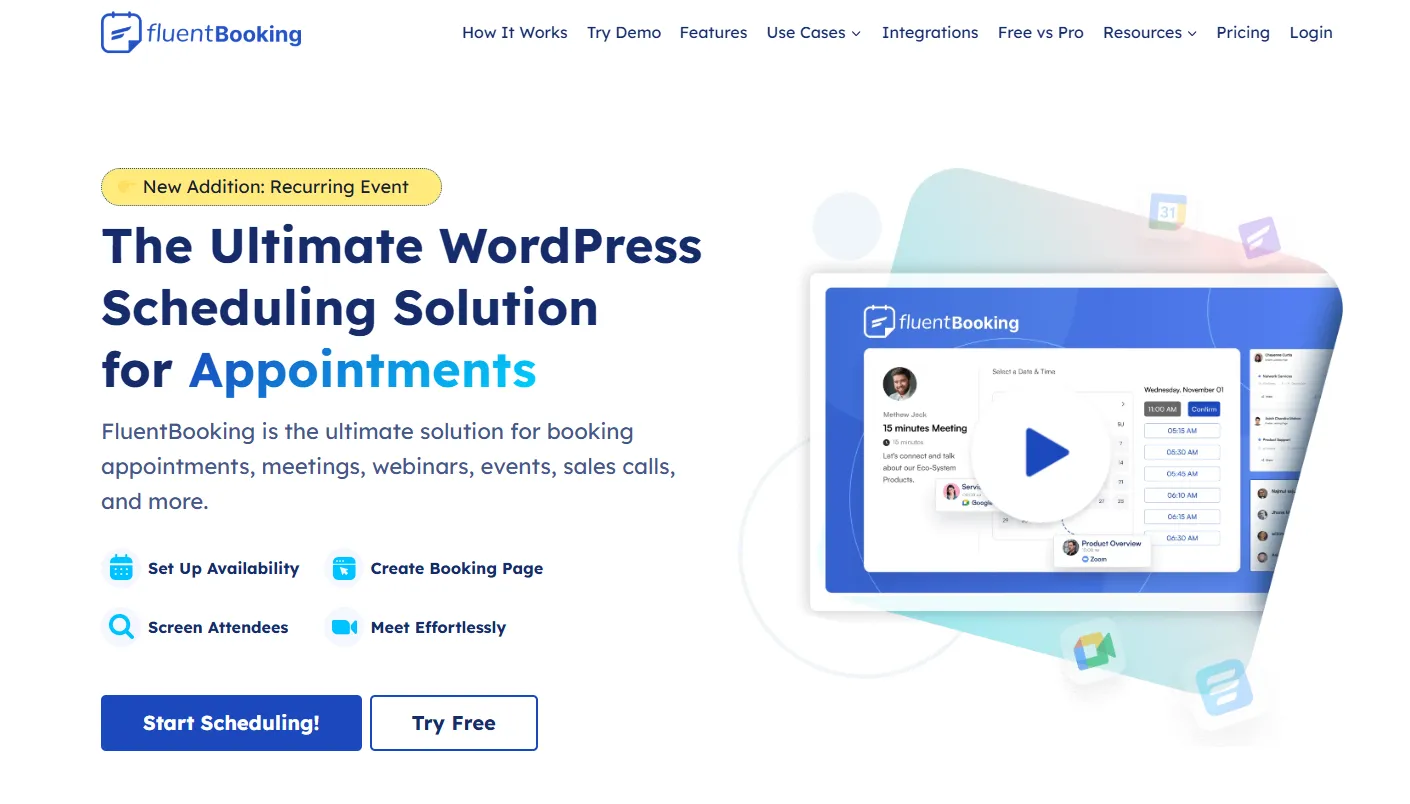
FluentBooking is the best all-rounder for WordPress-native team scheduling in 2026. It supports one-on-one, group, round-robin, and one-off event scheduling with two-way Google Calendar and Outlook sync included — not locked behind a paid tier. For agencies, consultancies, and coaching teams that live and die by clean appointment scheduling, it delivers exactly that without unnecessary complexity.
✅ Pros
- Two-way Google Calendar and Outlook sync included — not a paid add-on
- Round-robin team scheduling distributes bookings fairly across staff
- Supports 1:1, group, collective, and one-off event types
- Buffer times and booking limits prevent overbooking
- Competitive lifetime pricing option
- Actively developed with growing feature set
❌ Cons
- No resource or rental booking
- No ticketed event management
- Smaller user community than Bookly or Amelia
- Documentation less extensive than established competitors
- Free tier has meaningful limitations for real business deployment
- Scope limited primarily to appointment scheduling
Pricing: Free version available. Basic $249/year.
7. LatePoint — The Highest-Rated Plugin, and the Most Generous Free Tier

LatePoint has 100,000+ active installs with a 4.9/5 rating — the strongest adoption-and-satisfaction combination in the appointment category on this list. The free tier is genuinely remarkable: multiple staff, multiple services, multiple locations, and Stripe + PayPal payment processing, all at no cost. The mobile booking flow feels native — like a dedicated app, not a WordPress form — and a customer cabinet lets clients manage their own bookings without contacting you.
✅ Pros
- 4.9/5 rating — highest user satisfaction on this list
- Most generous free tier — multi-staff, Stripe, and PayPal included at no cost
- Mobile-first booking design — feels native on phones
- Customer cabinet gives clients a self-service portal
- Live chat integration during the booking process
- Clean, modern admin dashboard
❌ Cons
- Calendar sync (Google, Outlook, Apple) requires a paid plan
- Recurring appointments locked behind premium
- No event ticketing or resource/rental bookings
- Limited customization on the free tier
- Fewer advanced scheduling controls than Amelia or GemBooking
- Scope limited to appointment scheduling
Pricing: Free version available. Starter $79/year. Scale $149/year.
8. Simply Schedule Appointments — The Fastest Setup, the Cleanest Experience
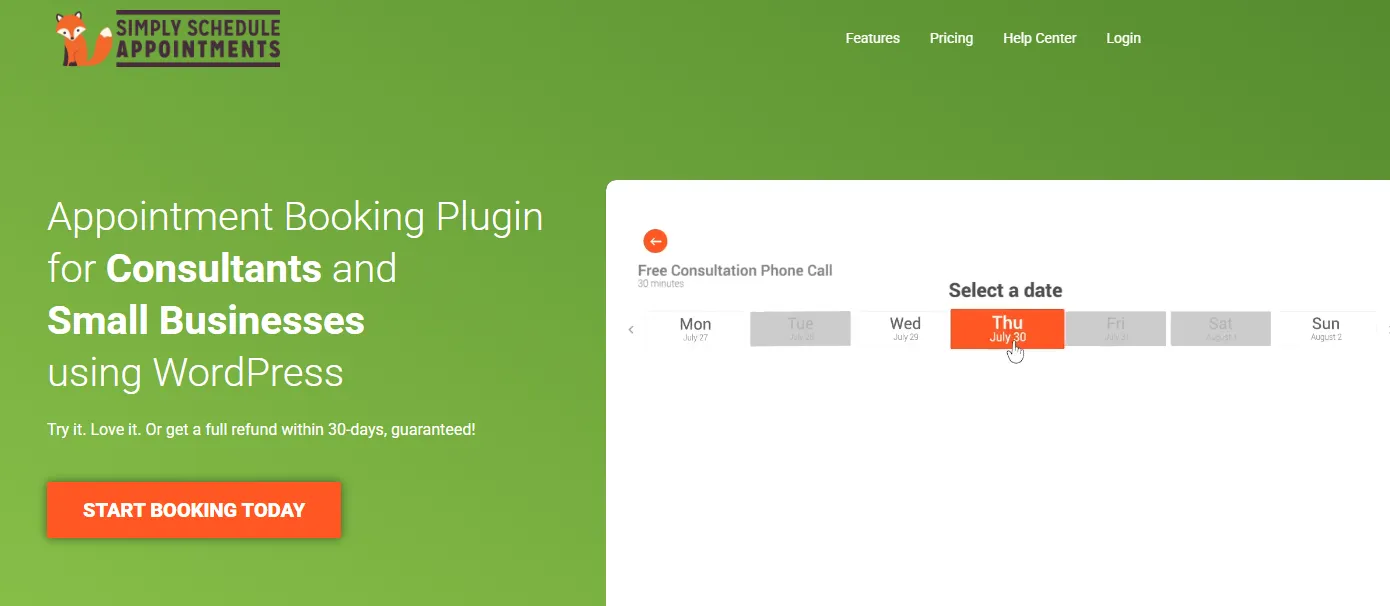
Simply Schedule Appointments carries a perfect 5/5 rating across 154 reviews with 60,000+ installs. Trusted by 70,000+ businesses, it does exactly what the name promises — you can be live and accept bookings in under five minutes. The free tier includes unlimited appointment types and email notifications. The trade-off: Google Calendar sync, payments, and team scheduling are each locked behind separate paid tiers, making it expensive if you eventually need all three.
✅ Pros
- Perfect 5/5 rating — highest score on this list
- Fastest setup experience — live in under 5 minutes
- Unlimited appointment types in the free tier
- Accessibility-focused — WCAG compliant for users with disabilities
- Excellent customer support with fast response times
- Clean, intuitive admin interface for non-technical users
❌ Cons
- Google Calendar sync requires the Plus plan ($99/year)
- Online payments locked behind Professional plan ($199/year)
- Team scheduling needs Business plan ($399/year)
- Tiered pricing becomes expensive fast as you unlock features
- No events, no resource bookings, appointments only
- At full capability, cost rivals more feature-complete plugins
Pricing: Free version available. Basic $99/year.
9. WooCommerce Bookings — The Right Tool If You’re Already in the WooCommerce World
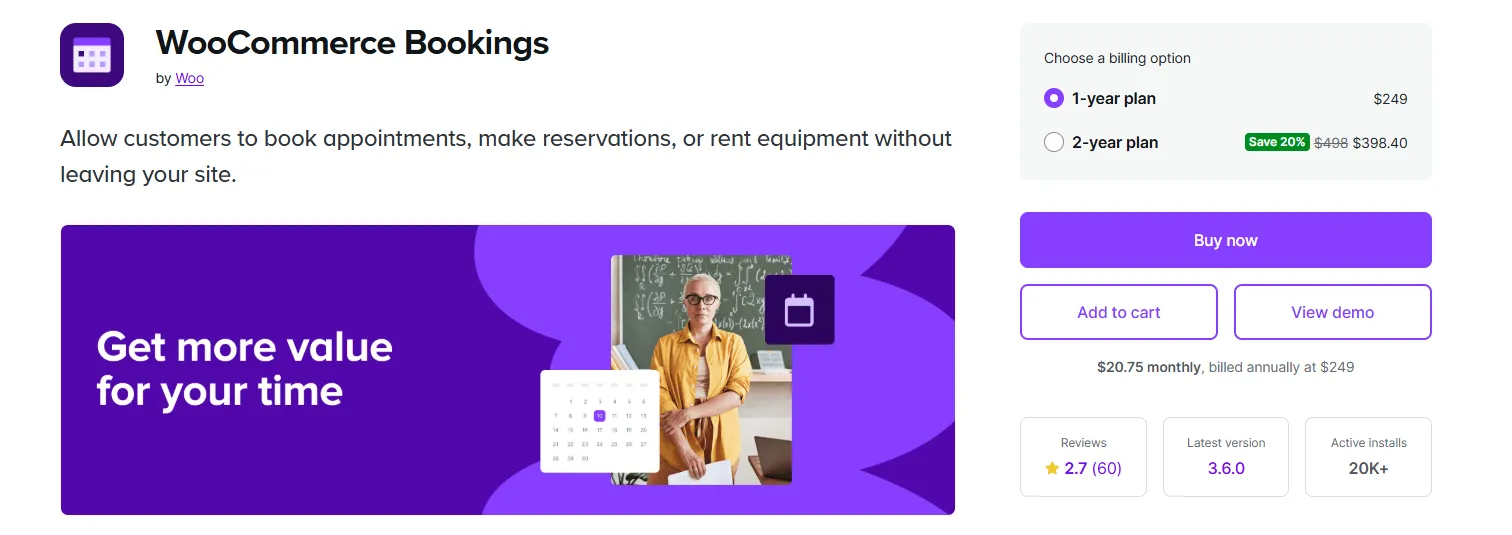
WooCommerce Bookings earns its place with one specific qualifier: it’s the right plugin if — and essentially only if — WooCommerce is already your commerce backbone. Bookable services integrate directly into your existing cart, checkout, and payment infrastructure. Single-day, multi-day, recurring, and resource bookings all work natively inside WooCommerce’s product architecture. If you run a hotel or accommodation site, check out our roundup of the best WooCommerce hotel booking plugins for even more purpose-built options. Outside that environment, the $249/year entry cost and added complexity make it hard to justify over purpose-built alternatives.
✅ Pros
- Native WooCommerce integration — uses existing cart, checkout, and payment methods
- Handles single-day, multi-day, recurring, and resource bookings
- Seasonal and duration-based pricing rules built in
- Manages rooms, equipment, and staff simultaneously
- Works with WooCommerce’s full payment gateway ecosystem
- Official WooCommerce product — guaranteed long-term maintenance
❌ Cons
- No free version — $249/year just to start
- Only makes sense if WooCommerce is already your commerce infrastructure
- Heavy plugin — adds meaningful load to site performance
- Setup is complex for non-WooCommerce environments
- Limited frontend design flexibility compared to dedicated booking plugins
Pricing: Basic $299/year.
10. Booknetic — Premium Interface, Purpose-Built for High-End Service Brands
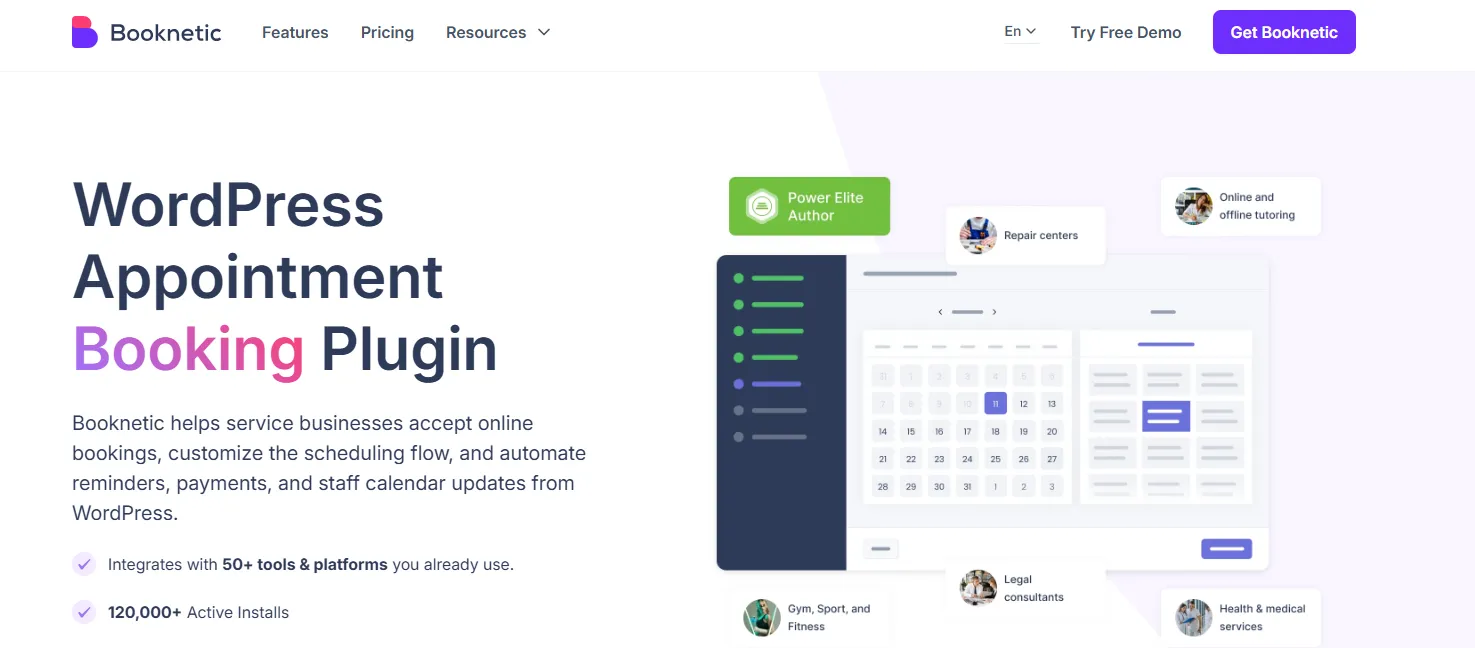
Booknetic runs with the polish and speed of a dedicated SaaS application, not a WordPress plugin added as an afterthought. Its built-in app store approach — where features like WhatsApp alerts and Google Calendar sync are activated on demand — keeps the admin clean without sacrificing depth. For a high-end salon, medical clinic, or boutique consultancy where the digital experience is inseparable from the brand, that polish has real value.
✅ Pros
- Most polished admin interface — feels like a standalone SaaS product
- Built-in app store for activating features on demand — keeps admin clean
- WhatsApp and SMS booking alerts included
- Staff management with individual schedules and service assignments
- Mobile-friendly booking forms that convert well
- One-time purchase option available — no recurring annual fees
❌ Cons
- No free version — paid entry only
- Pricing not prominently displayed upfront
- Smaller community than Bookly or Amelia
- No resource or rental booking
- Fewer third-party integrations than market leaders
- No dedicated event ticketing system
Pricing: Basic $45/year.
Full Plugin Comparison at a Glance
| Plugin | Free Plan | Starting Price | Appointments | Events | Resources / Rentals | Multi-Staff | Calendar Sync | Mobile UX |
|---|---|---|---|---|---|---|---|---|
| GemBooking | ✅ Yes | $79 LTD / $129/yr | ✅ | ✅ | ✅ | ✅ | ✅ Excellent | |
| BookingPress | ✅ Yes | $89/yr | ✅ | ❌ | ✅ | ✅ | ✅ | ✅ |
| Bookster | ✅ Yes | Free / Add-ons | ✅ | ❌ | ❌ | ✅ | ✅ Good | |
| Amelia | ✅ Limited | €49/year | ✅ | ✅ | ❌ | ✅ | ✅ Excellent | |
| Bookly | ✅ Very limited | $49/year | ✅ | ❌ | ❌ | ✅ Add-on | ✅ Add-on | ✅ Good |
| FluentBooking | ✅ Yes | $249/year | ✅ | ❌ | ❌ | ✅ | ✅ Included | ✅ Good |
| LatePoint | ✅ Yes | $79/year | ✅ | ❌ | ❌ | ✅ Free | ✅ Paid only | ✅ Excellent |
| Simply Schedule | ✅ Yes | $99/year | ✅ | ❌ | ❌ | ✅ Paid | ✅ Paid only | ✅ Good |
| WooCommerce Bookings | ❌ No | $249/year | ✅ | ❌ | ✅ | ✅ | ✅ | ✅ Good |
| Booknetic | ❌ No | $45/year | ✅ | Limited | ❌ | ✅ | ✅ App store | ✅ Excellent |
How to Pick the Right One for Your Business
Every plugin on this list solves a real problem. The right one depends on your business model.
If you’re a solo coach, consultant, or therapist who needs to go live today — Simply Schedule Appointments or LatePoint’s free tier. Fastest path, cleanest experience, zero cost to start.
If you need unlimited services, staff, and locations with modular add-ons — Bookster. A flexible option for growing service businesses wanting room to customize.
If your business is multi-staff, appointment-focused, and you want the best-looking booking form your clients will ever fill out — Amelia. The visual quality justifies the investment for brands where appearance is everything.
If you want to start learning and add features gradually — Bookly. The modular add-on ecosystem means you only pay for what you actually activate. Just track your costs as you grow.
If team scheduling is your core need and you want calendar sync included without paying extra — FluentBooking. The cleanest solution for consultancies and agencies.
If you’re already running WooCommerce and want bookings inside that infrastructure — WooCommerce Bookings. The only sensible choice in that specific context.
If you need one system that handles appointments, events, group bookings, and resource rentals — and you want it to grow with your business without forcing you into a stack of plugins — GemBooking. That’s what it was built for.
Why GemBooking Is the Right Long-Term Investment
Here’s the honest version of why GemBooking leads this list: no other plugin on it handles appointments and ticketed events and bookable resources and multi-staff round-robin scheduling in a single, unified system at this price point.
Amelia gets close on appointments and events but stops short of resource booking and doesn’t offer the same LTD value. Bookly gets there eventually — if you buy enough add-ons. FluentBooking is excellent for teams but narrow in scope. WooCommerce Bookings handles resources but requires a WooCommerce environment and costs $249/year with no free version.
GemBooking starts free. The Early Bird Lifetime Deal starts at $79 for a single site — which means no annual renewal, no escalating subscription, no second-year sticker shock. For a business that’s serious about its booking infrastructure, that kind of cost certainty is rare.
→ Get GemBooking — start free, upgrade when you’re ready
The Last Thing You Read Before You Decide
Every missed booking is lost revenue you never see — no cart abandonment email, no second chance. It just disappears.
The plugins on this list solve that problem. The right one for your business depends on your booking type, team size, and how much you expect your needs to grow. Use this guide to match those needs to the right tool.
And if you want one system that doesn’t box you in — appointments, events, resources, groups, staff management, and payments all handled from one place — GemBooking is where you start.
It’s free to begin. The rest is up to you.
Frequently Asked Questions
What is the best free WordPress booking plugin in 2026?
LatePoint offers the most capable free tier — multi-staff, multi-service, and Stripe + PayPal payment processing at no cost. Simply Schedule Appointments has the highest user ratings for solo practitioners. GemBooking also has a free version. The right answer depends on whether you need payments, calendar sync, or team features in the free tier.
Can I accept payments through a WordPress booking plugin?
Yes. Most top plugins support Stripe and PayPal. LatePoint includes both in the free tier. Others require paid plans to unlock payment gateways. GemBooking supports secure online payments as a core feature across plans — not an add-on.
Do WordPress booking plugins work properly on mobile?
The best ones are designed for it. 82% of customers now book from mobile devices, so this is non-negotiable. LatePoint, Amelia, and GemBooking deliver the strongest mobile experiences on this list. Always test the booking form on a phone before committing to any plugin.
What's the difference between an appointment booking plugin and an event booking plugin?
Appointment plugins manage slot-based 1:1 or small-group bookings: consultations, haircuts, coaching sessions. Event plugins handle fixed-date events with tickets, capacity limits, and attendee management. GemBooking handles both — you can switch any service between appointment mode and event mode from the same admin, which makes it uniquely flexible for businesses that run both.
Is there a WordPress booking plugin that handles both appointments and rental resources?
GemBooking and WooCommerce Bookings both handle resource bookings. GemBooking supports rooms, courts, cars, and equipment alongside appointments and events from one system — without requiring WooCommerce. WooCommerce Bookings requires you to be running WooCommerce. For most service businesses, GemBooking is the simpler, more cost-effective path.
How do I prevent double-bookings on WordPress?
Two-way calendar sync with Google Calendar or Outlook is the first line of defense. GemBooking adds a second layer with server-side conflict detection that validates every booking before confirmation — so double-bookings aren't just unlikely, they're prevented at the system level.
Which WordPress booking plugin offers the best long-term value?
GemBooking's Early Bird Lifetime Deal starts at $79 for a single site — no annual renewals. Compared to Amelia ($79–$249/year), Bookly (escalating add-on costs), Simply Schedule Appointments ($99–$399/year), and WooCommerce Bookings ($249/year), GemBooking's LTD pricing pays for itself within the first year and removes the cost uncertainty of subscription renewals entirely.
Written by
MD Zannatun Nime
June 28, 2026
MD Zannatun Nime writes about WordPress, developer tools, and web design in a simple and easy-to-follow way. He enjoys making complex topics clear, practical, and useful for everyday readers.
Related reading

RESOURCES
WP Smart Pay 3.0 Review: Simple WordPress Payment Plugin for Digital Sales
Building a digital business shouldn't mean wrestling with bloated e-commerce software. In this WP Smart Pay 3.0 review, we explore the visual block builder, client invoicing, recurring billing, in-depth reports, and 25+ integrations.

RESOURCES
7 Best AI Appointment Scheduling Software
Based on our evaluation, Timetics AI is one of the best AI appointment scheduling tools for service-based small businesses. Compare top tools by AI features, pricing, and use cases.

RESOURCES
Best WordPress Automation Plugins for 2026 (Complete Guide)
You didn't build a WordPress site to spend your days copying form entries into spreadsheets, manually emailing customers after every purchase, or chasing down the same tasks every single week. That gap between what WordPress can do and what it does automatically? That's where most site owners bleed time.