
Best WordPress Automation Plugins for 2026 (Complete Guide)

You didn't build a WordPress site to spend your days copying form entries into spreadsheets, manually emailing customers after every purchase, or chasing down the same tasks every single week. That gap between what WordPress can do and what it does automatically? That's where most site owners bleed time.

Zannatun Nime
You didn’t build a WordPress site to spend your days copying form entries into spreadsheets, manually emailing customers after every purchase, or chasing down the same tasks every single week. And yet — here you are.
That gap between what WordPress can do and what it does automatically? That’s where most site owners bleed time. The global automation tools market was valued at $51.7 billion in 2024 and is projected to exceed $120 billion by 2035.
In 2026, WordPress automation plugins have matured dramatically. Whether you run a WooCommerce store, a course platform, or a marketing funnel — there’s a plugin that handles the heavy lifting silently, reliably, and without adding to your monthly SaaS bill.
We’ve analyzed every major tool appearing across top-ranking results — WPBeginner, weDevs, Quill Forms, hostwp.io, ThemeXpert, Bit Integrations — compared their real-world capabilities, and ranked them honestly. Here is the definitive list.
What Are WordPress Automation Plugins — And Why Do You Need One in 2026?
A WordPress automation plugin connects events on your site — a form submission, a new order, a user registration — to actions you’d otherwise perform manually. Think of it as a silent assistant running the exact workflow you define, every time, without you touching it.
WordPress still powers 42.6% of all websites globally, with over 470 million active installs. The sites that win in this environment are the ones that respond faster, follow up consistently, and nurture leads without manual effort.
Here’s what a good automation plugin delivers:
- Eliminates repetitive manual tasks — tagging leads, syncing data, sending follow-up emails
- Reduces human error in data entry and workflow execution
- Scales operations without scaling headcount
- Connects WordPress to the tools your business already runs — CRMs, email platforms, Slack, Google Sheets
- Fires workflows in real time, on your own server, without polling delays
The Problem with Most WordPress Automation Tools in 2026
Most automation plugins — even popular ones — carry one of three silent trade-offs that roundups rarely mention:
- They load all integration code on every page request — running or not. Install 10 integrations and you’ve added 10 performance taxes to every visitor’s experience.
- They bill you per task. Zapier charges per Zap. Make charges per operation. n8n Cloud charges per execution. A busy WooCommerce store can exhaust a monthly plan in days.
- They weren’t built for WordPress. n8n needs its own server. Zapier can’t read WordPress data natively. External tools create workarounds that compound into technical debt.
The 8 Best WordPress Automation Plugins for 2026
Every plugin below has been evaluated on the same criteria: performance impact, pricing model, integration depth, ease of use, and how natively it runs inside WordPress.
1. Zaplane — Best Overall WordPress-Native Automation Plugin
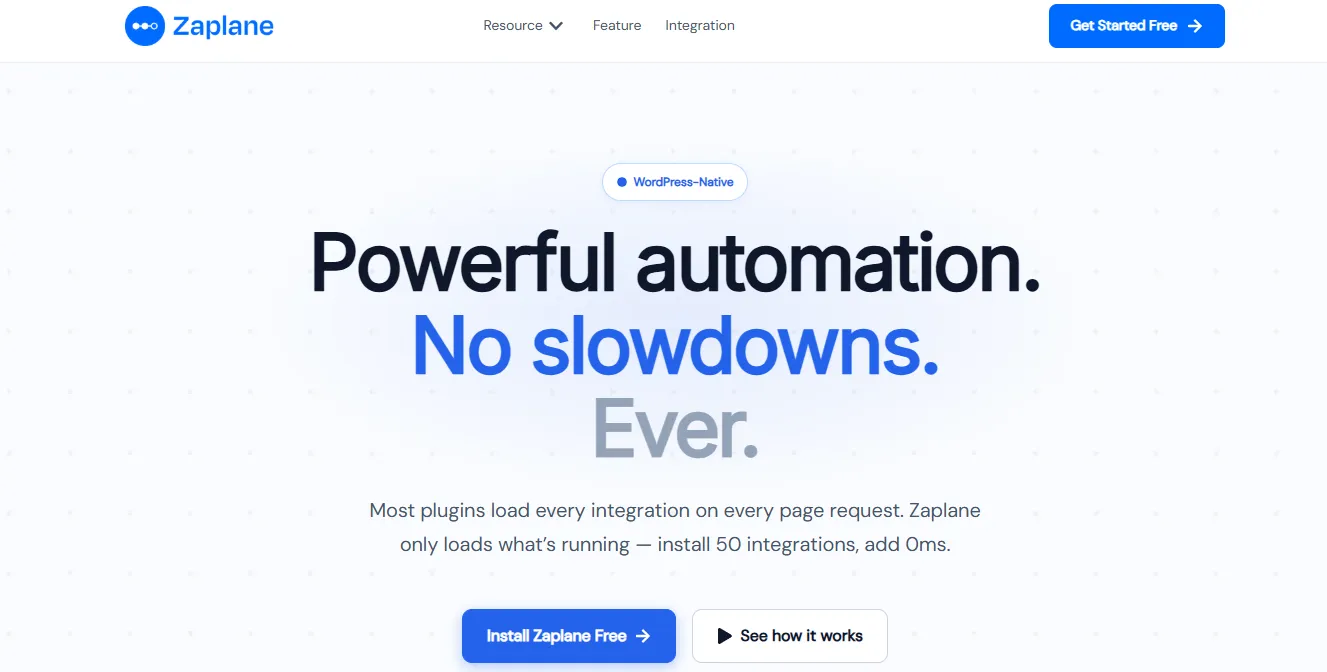
Built by: zaplane.app | Free version: Yes | Paid plans: One-time / Lifetime
Zaplane is a 100% WordPress-native workflow automation plugin engineered around one rule: real capability with zero performance compromise. Unlike every other tool in this list, Zaplane uses manifest-based on-demand integration loading — meaning idle integrations add zero overhead to your page requests. Install 50 integrations and none of their code loads until a live workflow actually calls for them.
No external servers. No third-party SaaS. No per-task billing. Just automation that lives entirely inside your WordPress dashboard, fires on native hooks, and keeps all data on your own server.
Key Features:
- On-demand integration loading — 0ms overhead per idle integration (architecturally unique)
- 50+ integrations: Mailchimp, HubSpot, FluentCRM, Slack, Academy LMS, aBlocks, StoreEngine, Google Sheets, WooCommerce, LearnDash, Trello, Asana, ActiveCampaign, and more
- Visual drag-and-drop workflow builder — no code required
- Unlimited tasks — no monthly caps, no execution counters
- Multi-site workflow control from a single dashboard
- Run history and replay logs for auditing and debugging
- Iterators and loop processing for complex, multi-item flows
- Connect any external app via custom URL webhooks
- Built-in drip flow builder — no extra email tool needed
- Install to first workflow: under 60 seconds
Who it suits best: Any WordPress site owner who wants powerful automation without per-task billing, performance compromise, or external SaaS dependency. Especially strong for WooCommerce stores, agencies managing multiple sites, and course platforms on Academy LMS.
What to keep in mind: Newer product — integration library (50+) is smaller than Zapier’s 8,000+. The Early Access deal is limited to the first 200 customers.
Pricing: Free version available. One-time / Lifetime — Early Access Deal: 40% off, locked in forever. First 200 customers only.
2. Uncanny Automator — Best for Multi-Plugin WordPress Workflows
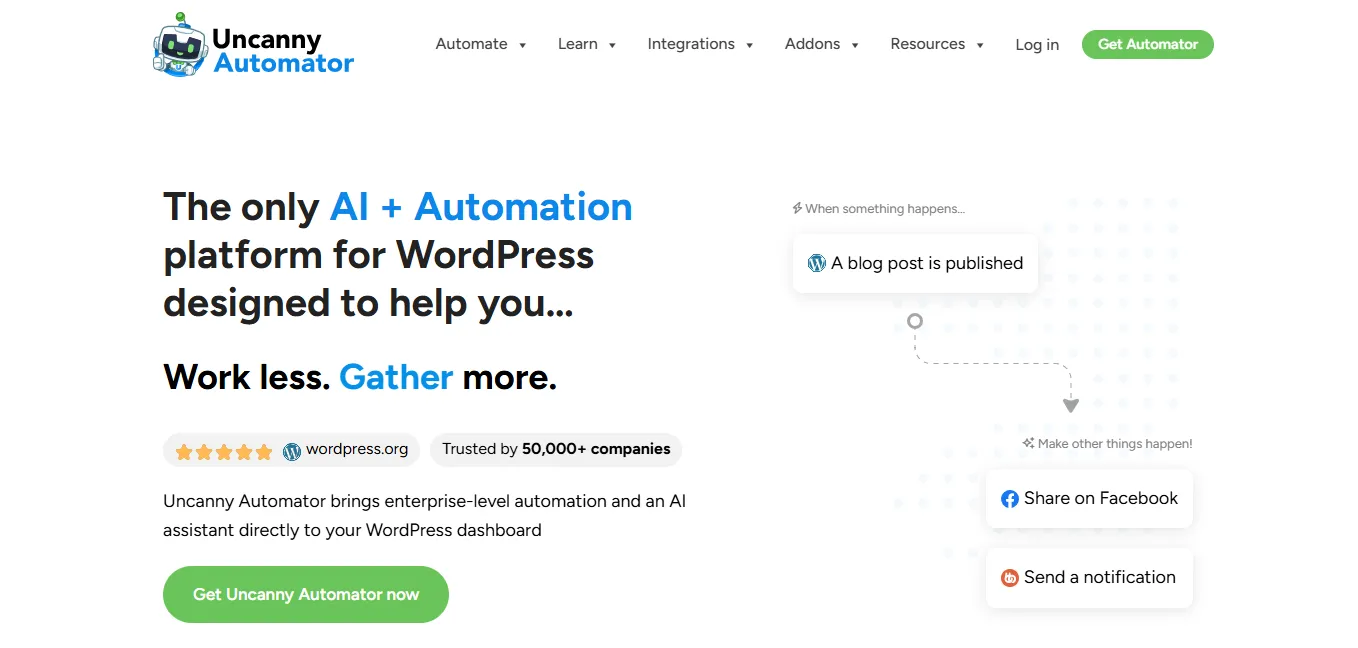
Built by: Uncanny Owl | Free version: Yes | Paid plans: Pro from $60/month
Uncanny Automator is the most established name in WordPress-native cross-plugin automation. It lets your existing plugins — LearnDash, WooCommerce, MemberPress, BuddyPress, Gravity Forms — communicate with each other without any code. WPBeginner rates it as the top option for users building complex cross-plugin workflows.
Key Features:
- Connects 100+ WordPress plugins natively
- No-code trigger-and-action workflow builder
- Supports external integrations via webhooks
- User-specific, anonymous, and global automation types
- Loop automations and scheduled triggers
- Integrates with Slack, Mailchimp, Twilio, and Google Sheets
Who it suits best: eLearning platforms, membership sites, and WordPress-heavy businesses that need deep plugin-to-plugin automation between established tools like LearnDash, WooCommerce, and MemberPress.
What to keep in mind: Task limits apply on lower-tier plans. External integrations depend on webhooks — adds latency. Annual subscription model means ongoing cost. Less suited for broad business workflow automation outside WordPress plugins.
Pricing: Free version available. Pro from $60/month.
3. Bit Flows — Best for AI-Driven Workflow Automation
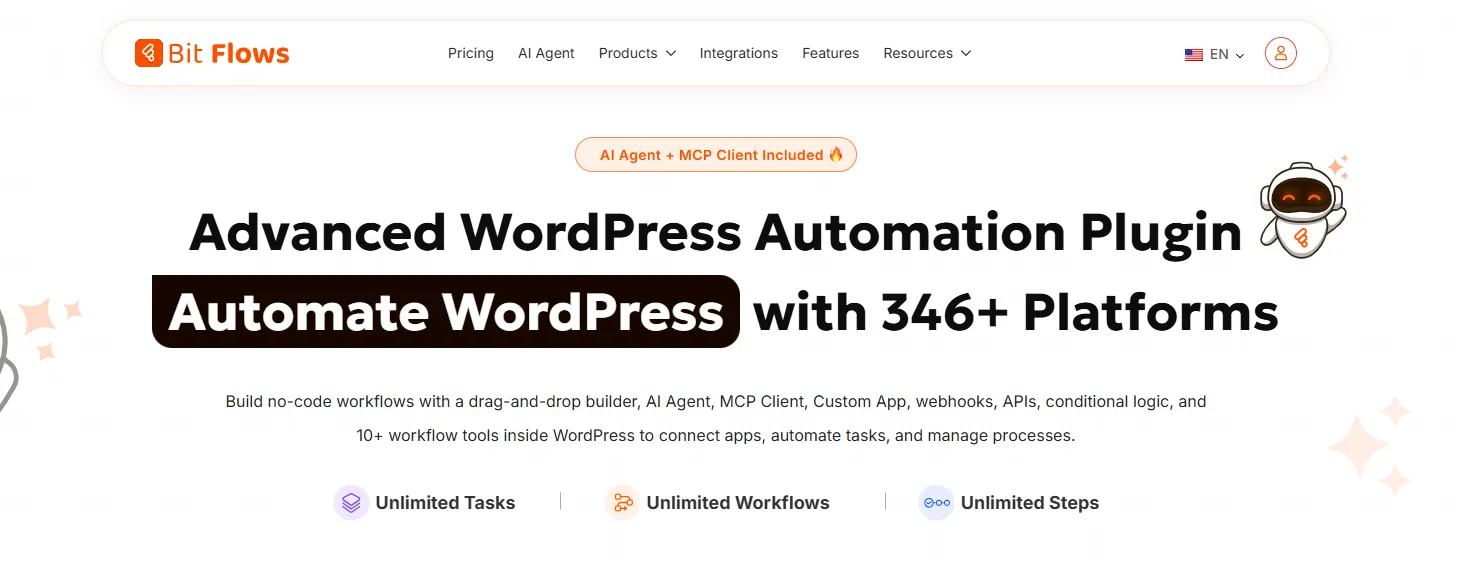
Built by: Bit Apps | Free version: Yes | Paid plans: From $59/year or lifetime deal
Bit Flows is the most talked-about automation plugin in 2026 for its built-in AI agent support — the ability to call GPT or Gemini models as decision nodes inside a workflow. It runs self-hosted, offers unlimited tasks on Pro, supports 270+ platforms, and includes a visual canvas builder. Multiple WordPress expert publications rank it as the strongest option for AI-integrated workflows.
Key Features:
- Built-in AI agent support (GPT, Gemini) as workflow decision nodes
- Visual drag-and-drop canvas workflow builder
- 270+ platform integrations
- Self-hosted — all data stays on your server
- Unlimited tasks on Pro plan
- Multi-step workflow support with conditionals
- AI-powered content generation (blog posts, product descriptions, SEO meta) within flows
Who it suits best: WordPress site owners who want AI-driven decision logic inside their automations — content creators, marketers, and developers who need AI to act as a workflow step rather than a separate tool.
What to keep in mind: The AI layer adds complexity — steeper learning curve for non-technical users. Performance optimization is not as architecturally deliberate as Zaplane. Smaller community compared to Uncanny Automator.
Pricing: Lifetime deal available. Annual plans starting from $59/year.
4. Bit Integrations — Best for Simple, High-Volume Data Routing
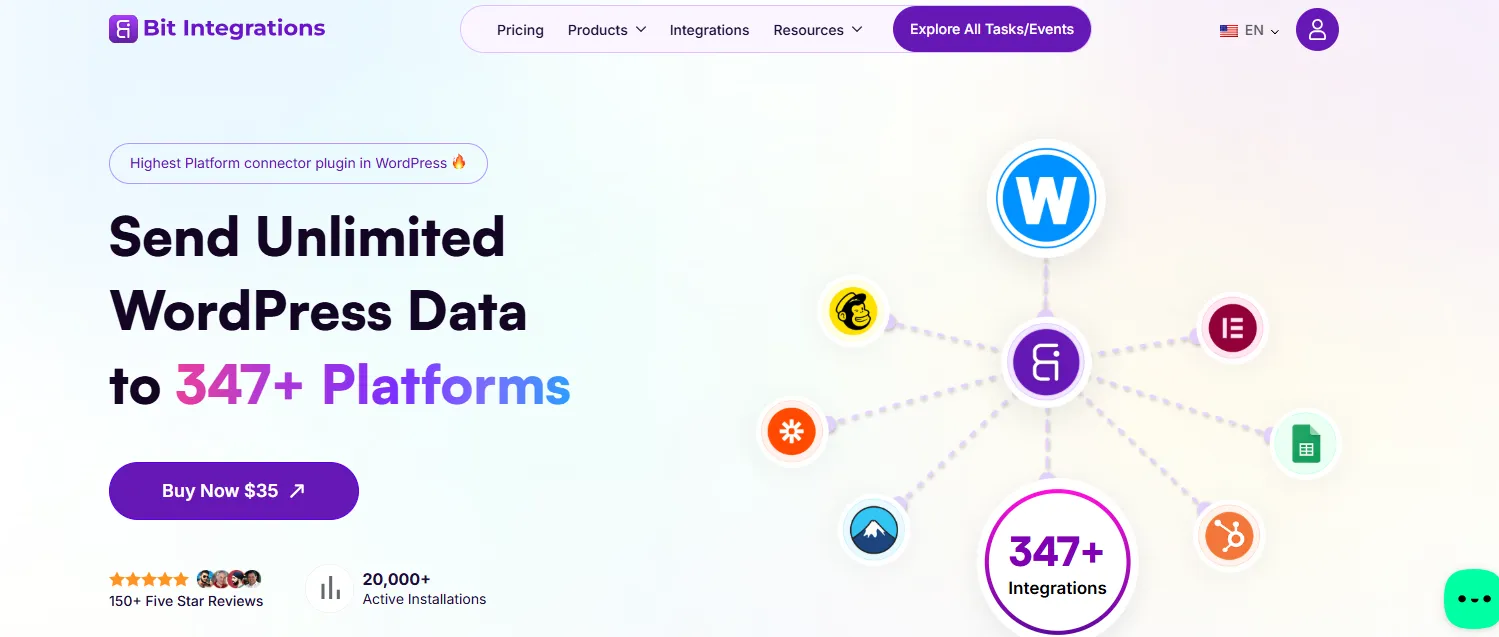
Built by: Bit Apps | Free version: Yes | Paid plans: From ~$35/year
Bit Integrations is the most beginner-friendly tool in this list. It focuses on one job — routing data from one platform to another — and does it exceptionally well. With 320+ native integrations and unlimited sends on Pro, it’s the fastest way to connect forms, WooCommerce, or user registrations to your CRM, email tool, or spreadsheet.
Key Features:
- 320+ native integrations — among the largest libraries in this list
- Unlimited sends on Pro plan
- Connects forms, WooCommerce, and LMS plugins to CRMs and email tools
- Beginner-friendly setup — no technical knowledge required
- One-click integration templates for common use cases
- Real-time data routing with no delays
Who it suits best: Beginners and small businesses that need to quickly route data from forms or WooCommerce to a CRM, email list, or spreadsheet — without building complex multi-step logic.
What to keep in mind: Data router only — no multi-step logic, delays, or conditionals. Complex automations require pairing with another tool. No visual workflow canvas.
Pricing: Free version available. Pro from ~$35/year.
5. OttoKit — Best for WooCommerce-Heavy Stores Needing Broad Integration Coverage

Built by: Brainstorm Force | Free version: Yes | Paid plans: From $9/month
OttoKit (formerly SureTriggers) offers 1,300+ integrations and deep WooCommerce optimization, making it particularly strong for eCommerce use cases where breadth of connection matters. Its visual builder is developer-friendly and its integration library rivals Zapier in range.
Key Features:
- 1,300+ integrations — widest library of any tool in this list
- Deep WooCommerce optimization
- Visual workflow builder with conditional logic
- Multi-step flows and team collaboration features
- Cloud and self-hosted execution options
Who it suits best: WooCommerce store owners who need the widest possible integration library and want developer-friendly workflow logic without moving to an external SaaS tool.
What to keep in mind: Cloud-dependent execution — reliability tied to OttoKit’s servers, not yours. Monthly subscription costs grow with usage. Task limits apply by plan tier.
Pricing: Free tier available. Pro plans from $9/month.
6. WP Fusion — Best for CRM-Driven Marketing Automation and Membership Sites
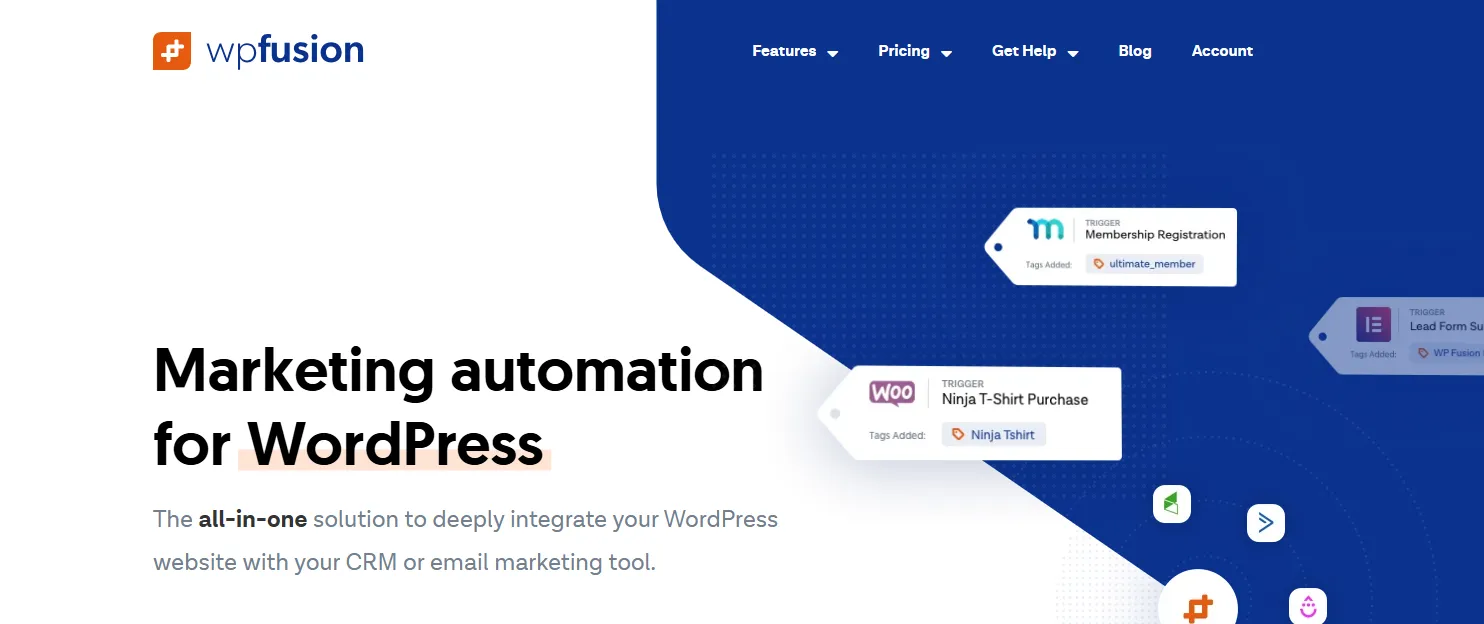
Built by: Very Good Plugins | Free version: No | Paid plans: From $39/month
WP Fusion is the specialist’s choice for syncing WordPress user data with CRMs. It applies CRM tags automatically when users buy, enroll, cancel, or complete any action — then uses those tags to control access to content, courses, or membership areas. It is not a general-purpose workflow builder; its power is specific to tag-driven marketing funnels built on top of a CRM.
Key Features:
- CRM tag-based content access control — show or hide content based on CRM tags
- Bidirectional field sync between WordPress users and CRM
- 100+ deep integrations with WooCommerce, LearnDash, MemberPress, BuddyBoss
- Purchase and subscription tracking — auto-tags on buy, renew, or cancel
- Custom field mapping between WordPress and CRM
- Supports 100+ CRM platforms natively
Who it suits best: Membership site owners, course creators, and marketing teams running CRM-driven funnels where tag-based access control and lifecycle automation are central to the business model.
What to keep in mind: Expensive — higher entry price than most tools in this list. Not a general workflow builder — limited to CRM-tag use cases. Overkill for sites that don’t use a dedicated CRM.
Pricing: From $39/month.
7. AutomatorWP — Best Free Open-Source Automation Option
Built by: AutomatorWP Team | Free version: Yes | Paid plans: Premium add-ons from $149/year
AutomatorWP is free, open-source, and supports 200+ plugin and platform integrations. It uses a simple trigger-and-action editor that non-technical users can learn in minutes. For site owners on tight budgets who need basic automation between WordPress plugins, it’s a capable and reliable entry point with no upfront cost.
Key Features:
- 200+ plugin and platform integrations
- Free core plugin — no credit card required
- Automations for logged-in users, anonymous visitors, all users, or post activity
- Integrates with WooCommerce, LearnDash, BuddyPress, Mailchimp, and Zapier
- Multiple automation types: user, anonymous, and global automations
- Premium add-ons available for advanced features
Who it suits best: Bloggers, small site owners, and budget-conscious developers who need simple plugin-to-plugin automation without paying for a premium tool.
What to keep in mind: Task limits apply on the free tier. Advanced features — delays, conditionals, external API calls — require paid add-ons. Less suited for high-volume or complex multi-step workflows. Community support is slower than dedicated premium tools.
Pricing: Free core. Premium add-ons from $149/year.
8. WP Webhooks — Best for Developer-Driven Custom Integrations
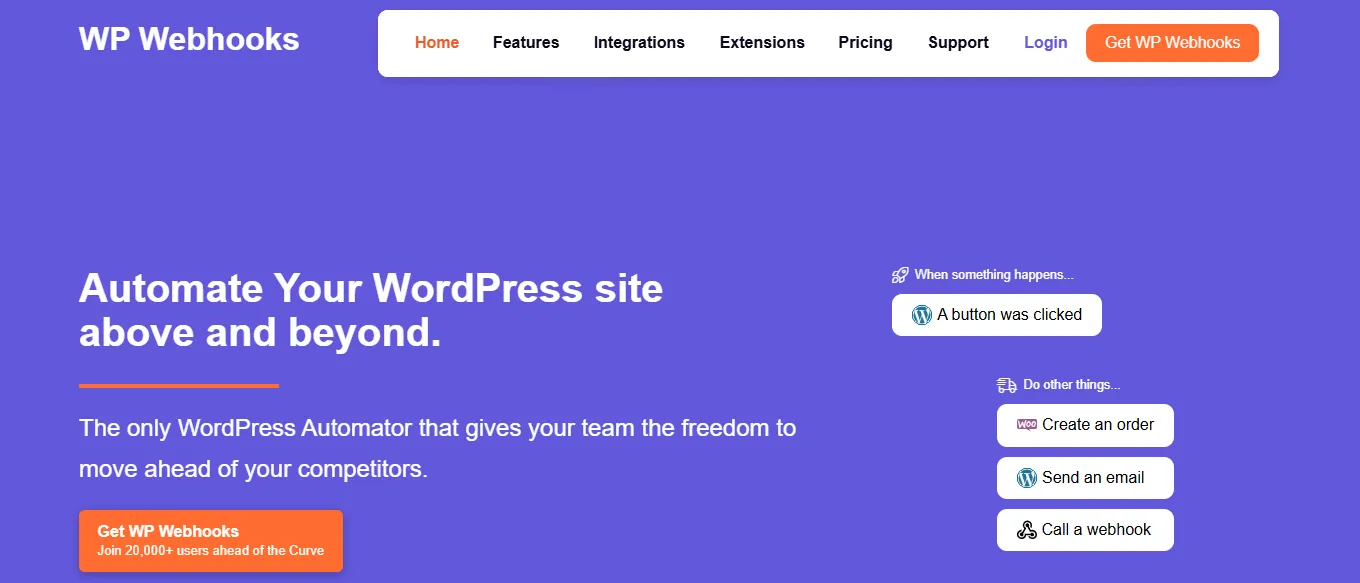
Built by: wpwh.io | Free version: Yes | Paid plans: Pro from $149/year
WP Webhooks is a developer-first tool for granular control over data sent and received via webhooks. It handles complex data transformations, conditional webhook routing, and delayed webhook firing — making it a precise instrument for custom integration scenarios where off-the-shelf tools don’t map cleanly to your data structure.
Key Features:
- Send and receive webhooks from any external service
- Complex data transformation and field mapping
- Conditional webhook routing — fire different webhooks based on data conditions
- Delayed webhooks — trigger after a defined time period
- Action and trigger log for debugging
- REST API access for deeper custom development
Who it suits best: Developers and technical teams who need maximum flexibility and granular control over webhook data — particularly for custom integrations where standard automation builders fall short.
What to keep in mind: Requires technical knowledge — not suitable for non-developers. No visual workflow canvas. Building complex flows requires significant configuration effort. Limited out-of-the-box automation compared to full workflow builders.
Pricing: Free core. Pro from $149/year.
WordPress Automation Plugins — Side-by-Side Comparison (2026)
| Plugin | Type | Pricing Model | Task Limit | WP-Native | Best For |
| Zaplane | Native Workflow Builder | One-time / Lifetime | Unlimited | ✅ 100% | Overall best — all sites |
| Uncanny Automator | Cross-Plugin Automation | Annual | Limited (free) | ✅ Yes | eLearning / membership |
| Bit Flows | AI Workflow Builder | Lifetime available | Unlimited (Pro) | ✅ Yes | AI-driven workflows |
| Bit Integrations | Data Router | Annual / Lifetime | Unlimited (Pro) | ✅ Yes | Lead routing / CRM sync |
| OttoKit | Cloud Workflow Builder | Monthly | Limited by plan | ⚠️ Cloud | WooCommerce stores |
| WP Fusion | CRM Sync Specialist | Annual | N/A | ✅ Yes | Membership & CRM funnels |
| AutomatorWP | Open-Source Trigger-Action | Free / Add-ons | Limited (free) | ✅ Yes | Budget / beginners |
| WP Webhooks | Developer Webhooks | Annual | Custom | ✅ Yes | Custom integrations |
How to Choose the Right Plugin for Your Site
- You run WooCommerce at volume and can’t afford execution fees → Zaplane
- You need AI decision nodes inside your workflows → Bit Flows
- You need cross-plugin automation for eLearning or memberships → Uncanny Automator
- You need simple, fast lead routing to a CRM → Bit Integrations
- You need the widest possible integration library → OttoKit
- You run a CRM-driven membership funnel → WP Fusion
- You’re on a tight budget starting out → AutomatorWP
- You’re a developer building custom webhook integrations → WP Webhooks
Common Mistakes to Avoid When Setting Up WordPress Automation
- Installing overlapping automation plugins — conflicts slow your site and create security risks
- Starting with complex multi-step flows before testing simple ones
- Running untested automations in a live environment — always stage first
- Relying on a single automation without a manual fallback for failures
- Choosing tools based on price or hype without checking developer activity and support quality
- Skipping run logs — monitor your automations regularly to catch broken flows early
Conclusion: The Automation Edge Belongs to Those Who Build It Now
In 2026, the question isn’t whether to automate your WordPress site. It’s which tool you trust to do it without penalizing your performance, draining your budget, or creating a new layer of technical debt.
Each plugin in this guide solves a real problem. But for site owners who want a single tool that delivers genuine power — visual workflow building, unlimited execution, zero idle-integration overhead, and 100% WordPress-native operation — Zaplane is the clear answer.
It’s not just another plugin. It’s the automation infrastructure WordPress has been missing.
Frequently Asked Questions
What is the best WordPress automation plugin in 2026?
For most WordPress site owners — especially WooCommerce stores, marketing funnels, and content-heavy operations — Zaplane is the strongest choice. It combines unlimited task execution, zero idle-integration overhead, and 100% WordPress-native operation. For AI-driven workflows, Bit Flows is also worth evaluating.
Can I use Zapier with WordPress?
Yes. Zapier connects to WordPress via webhooks and supports thousands of external apps. However, it charges per Zap execution, depends on external servers, and can’t access WordPress data natively — meaning complex automations require workarounds. For WordPress-specific automation, a native plugin like Zaplane will be faster, cheaper at scale, and more reliable.
Is there a free WordPress automation plugin?
AutomatorWP offers a solid free tier with 200+ plugin integrations. Bit Integrations also has a free version. Zaplane offers a free install with an Early Access pricing model. If your needs are basic and budget is tight, AutomatorWP is a capable starting point.
Will automation plugins slow down my WordPress site?
Most do — because they load all integration code on every page request whether those integrations are active or not. Zaplane is the exception: its on-demand loading architecture means idle integrations add zero overhead. Always check Core Web Vitals before and after installing any automation plugin.
What is the difference between marketing automation and workflow automation in WordPress?
Marketing automation focuses on email sequences, lead nurturing, and CRM data management. Workflow automation is broader — any trigger-to-action logic across your site and connected tools. Zaplane covers both: it handles email sequences, CRM routing, order notifications, and operational workflows in one visual builder.
What is a no-code WordPress automation plugin?
A no-code automation plugin lets you build workflows visually without writing PHP or JavaScript. Zaplane, Uncanny Automator, Bit Flows, and OttoKit all offer visual builders. The best no-code option for most WordPress users in 2026 is Zaplane — because it adds zero performance overhead alongside its visual workflow canvas.
Written by
MD Zannatun Nime
June 16, 2026
MD Zannatun Nime writes about WordPress, developer tools, and web design in a simple and easy-to-follow way. He enjoys making complex topics clear, practical, and useful for everyday readers.
Related reading

RESOURCES
WP Smart Pay 3.0 Review: Simple WordPress Payment Plugin for Digital Sales
Building a digital business shouldn't mean wrestling with bloated e-commerce software. In this WP Smart Pay 3.0 review, we explore the visual block builder, client invoicing, recurring billing, in-depth reports, and 25+ integrations.

RESOURCES
7 Best AI Appointment Scheduling Software
Based on our evaluation, Timetics AI is one of the best AI appointment scheduling tools for service-based small businesses. Compare top tools by AI features, pricing, and use cases.

RESOURCES
Best Booking Plugins for WordPress in 2026 – Top Picks for Service Businesses
Discover the best booking plugins for WordPress in 2026. Honest pros, cons & pricing for every top tool. GemBooking leads the list for service businesses.