
Best Custom Post Type Plugins for WordPress in 2026 (Free & Pro)

You built your WordPress site. Posts and pages are live. Then your client asks: Can we add a Testimonials section? A Jobs board? A Portfolio gallery? This is where custom post type plugins save you.
Parvez Akther
You built your WordPress site. Posts and pages are live. Everything looks fine.
Then your client asks: “Can we add a Testimonials section? A Jobs board? A Portfolio gallery?”
And suddenly, the default WordPress content structure feels like wearing a tuxedo to a beach party — technically functional, but completely wrong for the occasion.
This is where custom post type plugins save you.
Instead of hacking together workarounds or writing PHP from scratch, a good CPT plugin lets you define exactly the kind of content your site needs — structured, organized, and scalable. No code. No stress.
WordPress powers 43.5% of all websites globally in 2026, and heavy CPT usage is now standard — 60% of enterprise-level installations use at least 5 or more custom post types. The ecosystem around CPT plugins has matured significantly as a result.
The challenge? Choosing the right one. Let’s fix that.
What Is a Custom Post Type (CPT) — And Why Do You Actually Need One?
WordPress ships with default content types: Posts, Pages, Attachments, and a few others.
But what if your site is a real estate directory? A recipe blog? An online course platform? None of those fit neatly into a “Post” or “Page.” You need a custom post type — a dedicated content structure with its own fields, labels, archive pages, taxonomies, and admin interface.
Think of it like this: if Posts are a filing cabinet, Custom Post Types are the custom-designed storage room you build to fit your specific inventory.
Manually registering CPTs via register_post_type() in PHP works, but it’s fragile. Theme switches, code conflicts, and lost progress are all real risks. A plugin handles it cleanly, persistently, and without touching a single line of code.
What to Look for in a Custom Post Type Plugin
| Criteria | Why It Matters |
| Ease of use | No-code UI for creating and managing post types without touching PHP. |
| Custom fields support | Not just post type registration, but field management too. |
| Taxonomy management | Create and assign custom categories and tags across content types. |
| Performance | Lightweight and fast, even with complex data structures. |
| Content management layer | Can you edit and manage content, not just define structure? |
| Engagement features | Reviews, ratings, bookmarks, and reactions built in — no extra plugins. |
| Pricing | Fair free tier, transparent premium plans that don't punish growth. |
Best Custom Post Type Plugins for WordPress in 2026
1. Easy Content Manager (ECM) — Best Overall CPT Plugin
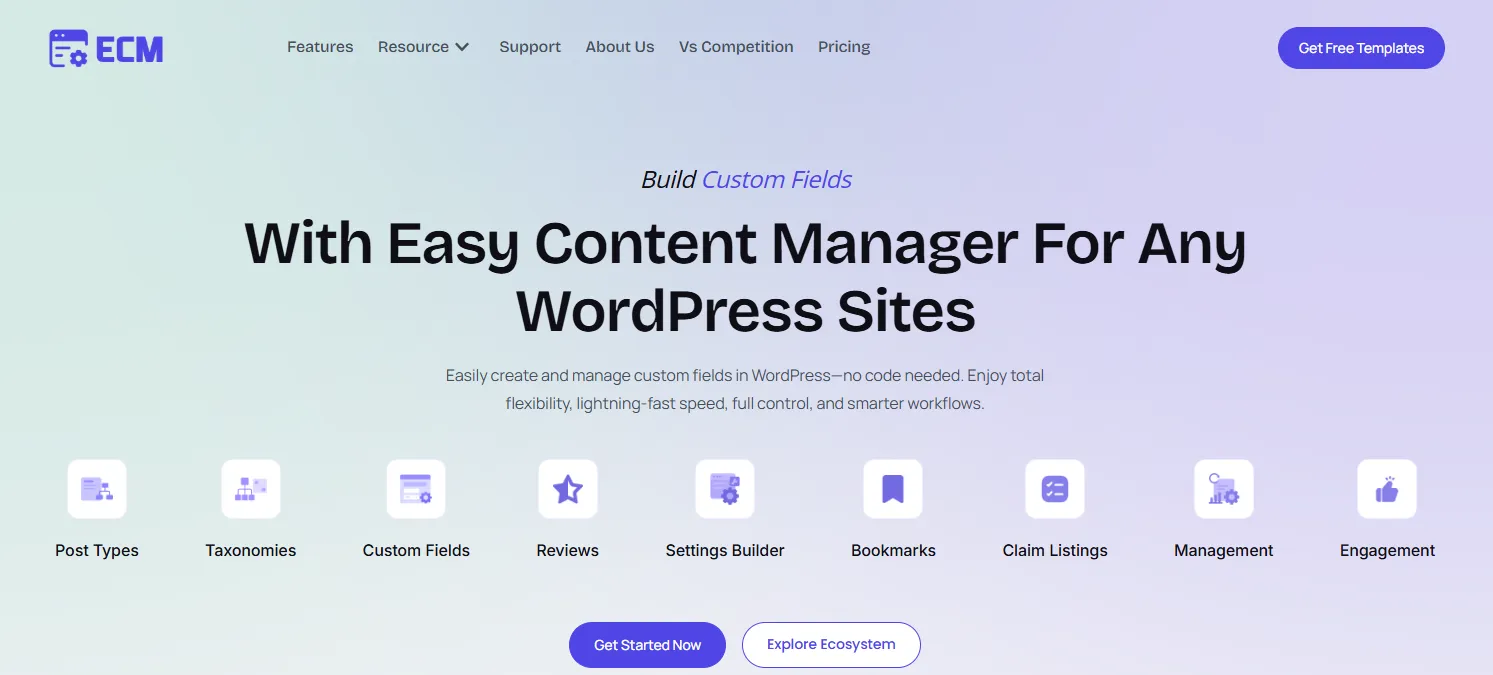
Built by: easycontentmanager.pro | Free version: Yes | Paid plans: From $49/year
Most CPT plugins stop at structure. Easy Content Manager goes several steps further — into full content management, user engagement, and workflow control. Where others stop at field creation, ECM gives you full content control for posts, products, courses, testimonials, or any custom content type you can imagine.
Think of ECM as an advanced content management platform that bridges the gap between data structure and user experience.
Key Features:
- Custom Post Types & Taxonomies — Define new post types (Jobs, Events, Courses, Directories, Products) from a clean visual interface. No PHP. No functions.php.
- Custom Fields & Field Groups — Build reusable Field Groups and assign them across posts, pages, users, and more. All managed visually.
- Full Content Management UI — Add, edit, delete, and duplicate posts; manage categories, tags, comments, and featured images; apply filters to find content instantly.
- Built-in Engagement Features — Enable reviews, ratings, reactions, upvotes, bookmarks, and view counts on any post type. Manage all engagement data from one dashboard.
- Settings Builder — Create global settings pages for site-wide data like contact info, social links, and banners — visually, without admin page coding.
- Claim Listings — A unique feature ideal for directory or marketplace sites where users can claim their own listings.
- Performance Optimized — Designed to work smoothly even with large sets of custom fields and post types, without adding bloat.
Who it suits best: Freelancers and agencies delivering client sites fast. Directory owners, membership site builders, portfolio creators, and anyone who wants one plugin to replace three. Whether you’re building a job board or a multi-content marketplace — ECM handles the entire stack.
What to keep in mind: Newer in the market compared to ACF or CPT UI — smaller community size so far. The plugin ecosystem is still growing.
Pricing: Free version available on WordPress.org. ECM Pro starts at $49/year.
2. Custom Post Type UI (CPT UI) — Best Free Option for Pure CPT Registration
Built by: WebDevStudios | Free version: Yes | Paid plans: Premium add-ons available
Custom Post Type UI has been the go-to free CPT registration tool for WordPress developers for years. With 1,000,000+ active installations, it’s the most widely used plugin in this category — and for good reason. It does one thing and does it well: registering custom post types and taxonomies without writing PHP.
Key Features:
- No-Code CPT Registration — Register any custom post type from a clean, straightforward dashboard. Set labels, slugs, archive settings, REST API support, and more.
- Custom Taxonomy Management — Create and manage custom taxonomies — both hierarchical and flat — just as easily as post types.
- Import/Export Settings — Export your CPT and taxonomy configurations to JSON and import them on other sites. Great for replicating setups across client projects.
- Full REST API Support — CPT UI properly registers post types with
show_in_rest, keeping your content compatible with Gutenberg and headless WordPress setups. - Wide Plugin Compatibility — Works seamlessly alongside ACF, MetaBox, Pods, and other field plugins. Intentionally lean so it integrates with anything.
Who it suits best: Developers who want a dedicated, lightweight CPT registration tool and prefer to handle fields and display separately with their own stack.
What to keep in mind: CPT UI focuses strictly on registration. It doesn’t manage content, handle custom fields, or offer engagement features. To build a complete content architecture, you’ll need to pair it with at least one other plugin — typically ACF or MetaBox. More plugins, more potential conflicts, more maintenance.
Pricing: 100% Free — core plugin with all major features. Premium add-ons available for extended display functionality.
3. Advanced Custom Fields (ACF) — Most Popular Custom Fields Plugin
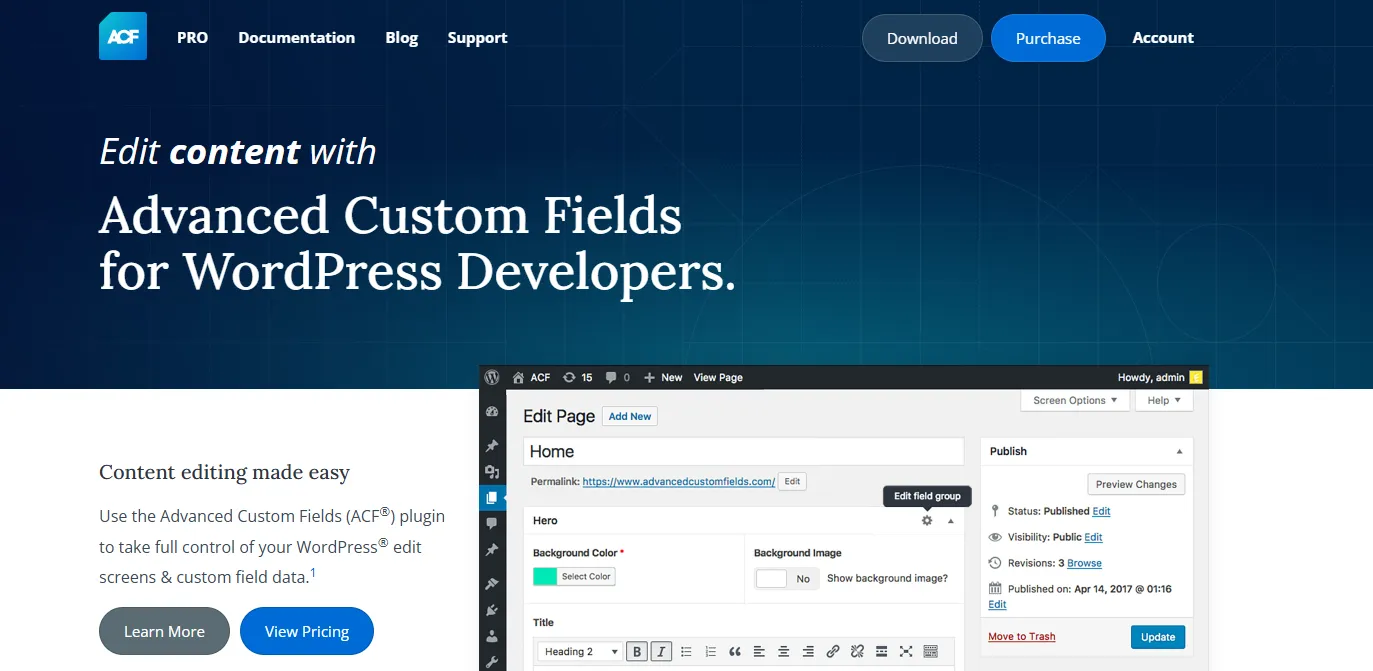
Built by: WP Engine | Free version: Yes | Paid plans: From $49/year
Advanced Custom Fields has been the dominant name in WordPress custom fields for over a decade. It’s the plugin that introduced millions of WordPress developers to structured data management — and it remains a powerhouse in 2026, especially after WP Engine’s acquisition and continued development.
Key Features:
- 30+ Field Types — From simple text inputs and image uploads to complex options like Google Maps, date pickers, repeater fields, galleries, relationship fields, and flexible layouts.
- Conditional Logic — Show or hide fields based on the values of other fields, creating a dynamic and streamlined content entry experience.
- Multiple Location Rules — Assign field groups to specific post types, page templates, user roles, taxonomy terms, and more.
- ACF Blocks — Build custom Gutenberg blocks using ACF fields and PHP templates — a powerful feature for theme developers.
- Options Pages — Create custom settings pages for site-wide data (Pro feature).
- Wide Ecosystem — Thousands of tutorials, third-party integrations, and community resources make it the best-documented option on this list.
Who it suits best: Developers with existing ACF workflows, theme developers building custom Gutenberg blocks, and projects where the vast ACF field library is essential.
What to keep in mind: ACF is primarily a custom fields plugin. While it has basic CPT registration, it’s limited. More importantly, ACF lets you define fields — but you still manage content through WordPress’s default post list screens. There’s no dedicated content management UI. For content-heavy sites with multiple post types, this becomes a real workflow bottleneck.
Pricing: Free version available on WordPress.org. ACF PRO starts at $49/year.
4. Pods — Best Free Plugin for Complex Data Structures
Built by: Pods Framework Team | Free version: Yes | Paid plans: Premium add-ons available
Pods has been around since 2009 and recently shipped version 3.3.9 (May 2026) — making it one of the most battle-tested content framework plugins in the WordPress ecosystem. What sets Pods apart is how much power it delivers completely free, including features that other plugins charge for.
Key Features:
- Custom Post Types, Taxonomies & Settings Pages — Create custom content types and settings pages from a clean UI, all without code.
- 30+ Field Types — Including number fields with currency formatting, file and image uploads, oEmbed media, and relationship fields with multiple display formats.
- Advanced Content Types (ACTs) — Pods’ standout feature: create entirely new database tables outside the WordPress meta system. This dramatically improves query performance for complex, data-heavy sites — and it’s included free.
- Advanced Relationships — One-to-one, one-to-many, or many-to-many relationships between any content type. Perfect for directories, course platforms, or listings.
- Pods Pages — Create URL-routed custom pages, useful for directory or listing sites where dynamic content needs its own permalink structure.
- Roles & Capabilities Editor — Built-in user access control to manage who sees or edits which content types.
- Block Editor Support — Native Gutenberg integration with Blocks API v3, introduced in Pods 3.3.
Who it suits best: Developers building complex, data-heavy sites — directories, listings, course platforms — who want maximum functionality without paying for a premium license.
What to keep in mind: Documentation, while improving, is less comprehensive than ACF’s extensive knowledge base. The smaller community means fewer third-party integrations. Pods 3.4 (coming 2026) will require WordPress 6.8+ and PHP 8.0+, which may force server upgrades on older setups.
Pricing: 100% Free — core plugin with all major features. Premium add-ons available for extended display functionality.
5. Meta Box — Best for Modular, Developer-First Workflows
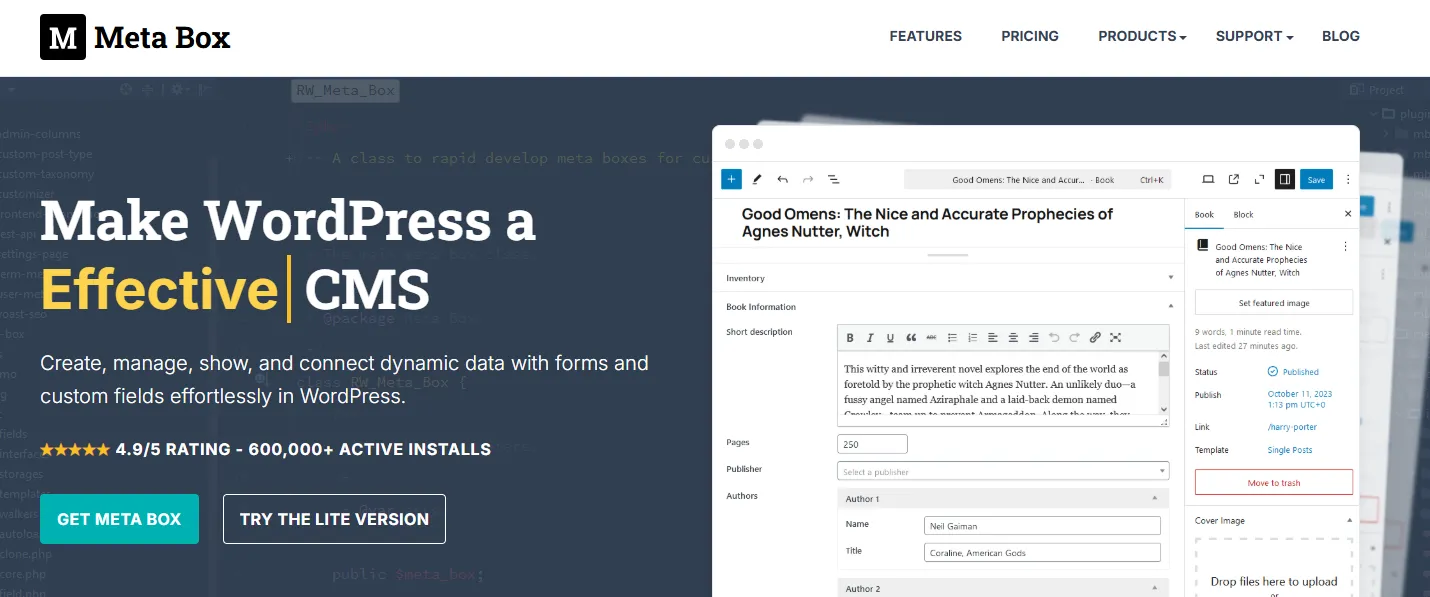
Built by: MetaBox.io | Free version: Yes (Meta Box Lite) | Paid plans: From $49/year
Meta Box takes a different approach than most CPT plugins — it’s built modular. The free core is lean by design, and you extend it with the specific extensions you actually need. The result is a highly flexible, developer-friendly toolkit that avoids the bloat of all-in-one plugins. Its new Meta Box Lite version now bundles all free extensions — including the previously premium MB Builder — into a single free package.
Key Features:
- 50+ Field Types — One of the largest field libraries on this list, including text, images, sliders, custom HTML, repeatable groups, galleries, and more.
- Custom Post Types & Taxonomies — Register and manage CPTs and taxonomies through the visual MB Builder interface (now free with Meta Box Lite).
- Field Groups & Conditional Logic — Organize fields into logical groups and control visibility with user-defined conditions.
- Custom Tables — Store custom field data in dedicated database tables instead of
wp_postmeta— improving performance significantly on data-heavy sites. - Front-End Forms — Build custom submission forms for user-generated content, useful for directories, membership sites, or listing platforms.
- Unlimited Relationships — Create unlimited relationships between posts and pages with ease.
- Page Builder Integrations — Seamlessly integrates with Elementor, Beaver Builder, and Breakdance.
- REST API Support — Access and update custom fields via REST API for headless WordPress or Jamstack projects.
Who it suits best: PHP-comfortable developers who want the most comprehensive field library and are comfortable building their stack modularly. Excellent for performance-focused projects where custom database tables matter.
What to keep in mind: To use Meta Box to its full potential, some coding knowledge is helpful — particularly for display templating and custom Gutenberg blocks. The learning curve is steeper than ECM or CPT UI for non-technical users.
Pricing: Free version available on WordPress.org. Meta Box Pro starts at $49/year.
6. JetEngine — Best for Dynamic, Elementor-Powered Sites
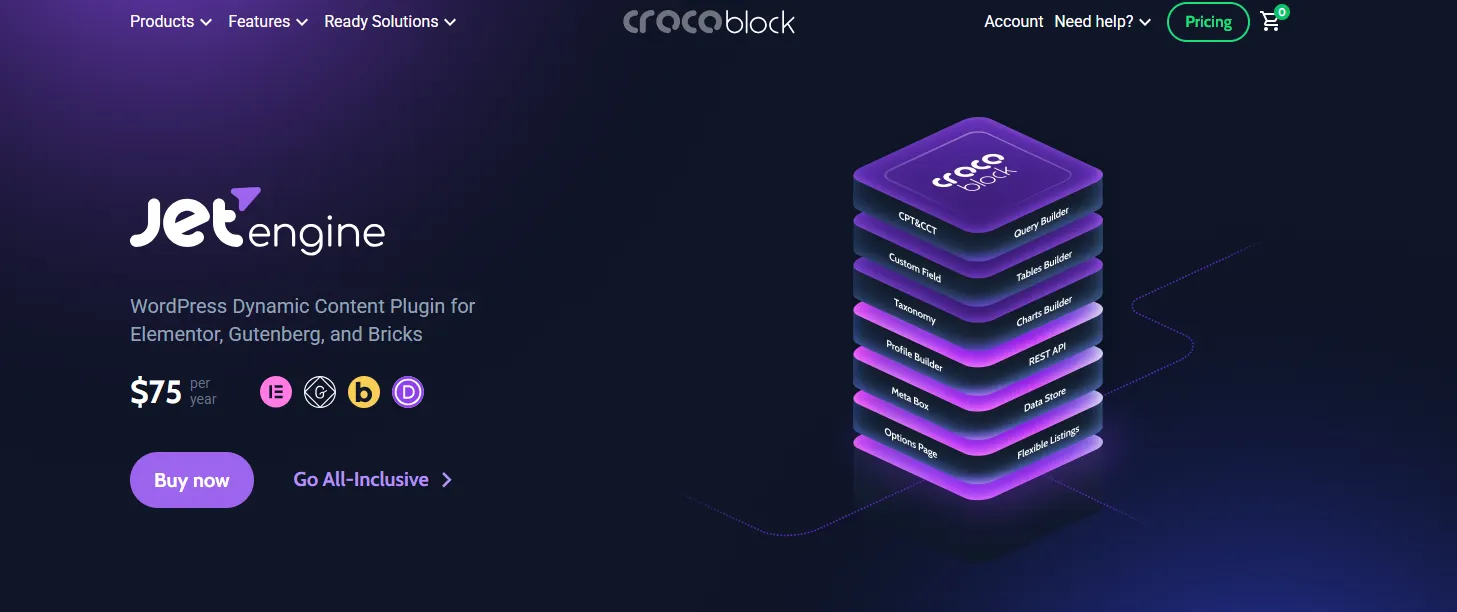
Built by: Crocoblock | Free version: No | Paid plans: From $75/year
JetEngine is not just a CPT plugin — it’s a full dynamic content engine built specifically for the Elementor (and Bricks Builder) ecosystem. If you’re building dynamic, data-driven sites and your workflow revolves around visual page builders, JetEngine is the most powerful option available.
Key Features:
- Custom Post Types & Taxonomies — Create and manage CPTs and taxonomies through a visual interface designed to integrate deeply with Elementor widgets and Bricks Builder templates.
- Custom Fields & Meta Boxes — Add structured data fields to any post type, user, or taxonomy, and display them dynamically on the front end.
- Dynamic Visibility & Conditions — Control which elements are displayed on the front end based on user role, post metadata, login status, or user interactions — without writing PHP.
- Profile Builder — Create custom, user-editable front-end profiles for membership sites and user-generated content platforms.
- Listing Grid & Calendar — Display post type content in dynamic listing grids, calendars, sliders, or maps — all built in, no extra display plugin needed.
- Query Builder — Build advanced content queries visually, filtering and sorting by any field or relationship.
- Relations — Create many-to-many relationships between any content types, manageable directly from the front end.
Who it suits best: Elementor or Bricks Builder users building membership sites, directories, front-end user profiles, job boards, or any site with dynamic filtering and user interaction.
What to keep in mind: JetEngine is only useful if you’re already using Elementor or Bricks Builder. Without a compatible page builder, the plugin’s display capabilities are inaccessible. It’s also premium-only — there’s no meaningful free version. The learning curve is steeper than most plugins on this list.
Pricing: Starts at $75/year for a single project.
7. Toolset — Best for Visual, Code-Free Workflow from Data to Display
Built by: OnTheGoSystems | Free version: Yes | Paid plans: From $69/year
Toolset takes the most complete approach of any plugin on this list — it covers the entire workflow from content architecture to front-end display, entirely without code. While most CPT plugins handle structure and leave display to you, Toolset gives you a visual query builder, 34 Gutenberg blocks for dynamic content, and front-end forms — all in one ecosystem.
Key Features:
- Custom Post Types, Fields & Taxonomies — Define your complete content architecture through Toolset Types — a clean, visual interface without PHP.
- Toolset Blocks (Gutenberg Integration) — 34 dedicated Gutenberg blocks for displaying dynamic content. The View block acts as a visual query builder — create filtered, sorted, paginated lists of custom content without touching code.
- Access Control — Control who can view, create, or edit specific post types based on user roles — built into the plugin suite.
- Custom Search & Filtering — Build powerful front-end search and filter interfaces for custom content without code. Ideal for directory sites, property listings, and job boards.
- Front-End Forms (CRED Forms) — Allow users to submit, edit, or delete custom post type content from the front end — essential for community or listing platforms.
- Relationships — Create and manage relationships between post types visually, with front-end display built right in.
- Page Builder Compatibility — Integrates with Elementor, Divi, Beaver Builder, and the block editor.
Who it suits best: Agencies and developers who want a complete visual workflow — from data modeling to front-end display — without writing a single line of PHP. Strong choice for directory sites, property listings, and job boards built entirely with Gutenberg blocks.
What to keep in mind: Toolset is the most expensive option on this list. It’s also entirely premium — there’s no meaningful free tier. The learning curve is steeper for simple projects where the full suite is overkill.
Pricing: Free version available. Pro starting at $69/year.
Plugin Comparison Table
| Plugin | CPT Creation | Custom Fields | Taxonomy | Content Management UI | Engagement Features | Free Version | Starting Price |
| Easy Content Manager | ✅ | ✅ | ✅ | ✅ Full | ✅ Reviews, Bookmarks, Reactions | ✅ | $49/yr |
| CPT UI | ✅ | ❌ | ✅ | ❌ | ❌ | ✅ | Premium add-ons |
| ACF | Limited | ✅ 30+ fields | Limited | ❌ | ❌ | ✅ | $49/yr |
| Pods | ✅ | ✅ 30+ fields | ✅ | ❌ | ❌ | ✅ | Premium add-ons |
| Meta Box | ✅ | ✅ 50+ fields | ✅ | ❌ | ❌ | ✅ Lite | $49/yr |
| JetEngine | ✅ | ✅ | ✅ | Partial | ✅ Profiles | ❌ | $75/yr |
| Toolset | ✅ | ✅ | ✅ | Partial (Gutenberg) | ❌ | ✅ | $69/yr |
Key takeaway: Only Easy Content Manager combines CPT creation, custom fields, a full content management UI, and built-in engagement features — all in one plugin.
Free vs. Premium CPT Plugins: Which Should You Choose?
| Your Situation | Best Fit |
| Small blog or simple personal site | CPT UI (free) |
| Developer needing field-heavy customization | Meta Box Lite or ACF |
| Elementor-based dynamic sites | JetEngine |
| Complex data with deep relationships | Pods (free) |
| Complete visual workflow, no code | Toolset |
| Agency or client delivery, all-in-one | Easy Content Manager Pro |
| Directory, membership, or listing site | Easy Content Manager Pro |
If budget is a concern — for many small to medium projects, the free version of Easy Content Manager is already more than enough. Scale up to Pro when you need the Settings Builder, built-in reviews, bookmarks, or advanced content management features.
How to Create a Custom Post Type in WordPress (Without Code)
Using Easy Content Manager, here’s how fast the process is:
- Install and activate ECM from easycontentmanager.pro or WordPress.org
- Navigate to ECM → Post Types in your dashboard
- Click Add New and name your post type (e.g., “Properties,” “Testimonials,” “Courses”)
- Set your labels, slug, and display options
- Add custom fields — text, numbers, images, dropdowns, and more
- Assign taxonomies to categorize your content
- Publish and start adding content — no code, no template editing
Done. Your new content type appears in the sidebar with its own admin screen, its own fields, and full management capabilities.
Frequently Asked Questions
What is the best free custom post type plugin for WordPress?
For pure CPT registration, CPT UI is the most widely used free option. For a free plugin that also includes content management and custom fields, Easy Content Manager’s free version is the stronger choice — especially for non-developers.
Can I create a custom post type without a plugin?
Yes — using register_post_type() in PHP. But this approach is fragile (breaks on theme switch), requires developer knowledge, and offers no visual management. A plugin is recommended for stability and long-term maintenance.
Is Advanced Custom Fields (ACF) a custom post type plugin?
ACF is primarily a custom fields plugin. It has limited CPT registration features but doesn’t offer a content management UI. Many developers pair ACF with CPT UI — though ECM covers both in one.
Which custom post type plugin is best for agencies?
Easy Content Manager. It lets you define post types and fields, hand clients a clean management dashboard, and add engagement features — all without extra plugin installations.
Do custom post type plugins slow down WordPress?
Not significantly, if the plugin is well-coded. Easy Content Manager is specifically optimized for performance and works smoothly even with large sets of custom fields and post types.
What’s the difference between a custom post type and a custom field?
A custom post type defines a type of content (e.g., “Properties”). A custom field adds specific data attributes to that content (e.g., “Price,” “Bedrooms,” “Location”). You typically need both — and ECM handles both in one place.
Are Pods really free?
Yes — Pods delivers custom post types, custom fields, advanced relationships, and custom database tables entirely for free. It’s one of the most generous free plugins on this list.
What’s the difference between Meta Box and ACF?
Both are custom field plugins. Meta Box offers more field types (50+) and a modular pricing model, while ACF has a larger community, more tutorials, and a more widely recognized brand. For 2026, Meta Box Lite gives you more for free than ACF’s free tier.
The Bottom Line
Every plugin on this list is genuinely good — but they serve different needs.
- Want free + pure CPT registration? → CPT UI
- Want free + full framework for complex data? → Pods
- Want modular developer tool + 50 field types? → Meta Box
- Want a deep ACF ecosystem + Gutenberg blocks? → ACF
- Want Elementor-powered dynamic sites? → JetEngine
- Want a complete visual workflow, no code, Gutenberg-first? → Toolset
But if you’re building any kind of structured content site — a directory, marketplace, portfolio, job board, or client site — and you want one plugin that handles the entire stack: post types, fields, taxonomies, management UI, and user engagement?
Easy Content Manager is the answer.
It’s the only CPT plugin in 2026 that doesn’t just define your content structure — it helps you run it, day after day.
Written by
Parvez
June 16, 2026
Founder of ThemesGrove and a tech veteran with deep experience across WordPress, products, and web platforms.
Related reading

RESOURCES
WP Smart Pay 3.0 Review: Simple WordPress Payment Plugin for Digital Sales
Building a digital business shouldn't mean wrestling with bloated e-commerce software. In this WP Smart Pay 3.0 review, we explore the visual block builder, client invoicing, recurring billing, in-depth reports, and 25+ integrations.

RESOURCES
7 Best AI Appointment Scheduling Software
Based on our evaluation, Timetics AI is one of the best AI appointment scheduling tools for service-based small businesses. Compare top tools by AI features, pricing, and use cases.

RESOURCES
Best Booking Plugins for WordPress in 2026 – Top Picks for Service Businesses
Discover the best booking plugins for WordPress in 2026. Honest pros, cons & pricing for every top tool. GemBooking leads the list for service businesses.