
7 Essential WooCommerce Tools to Build and Grow a Personalized Products Business

WooCommerce tools for custom products help you manage personalization, pricing, SEO, checkout, shipping, and repeat sales through one coordinated store workflow.

MD Zannatun Nime
WooCommerce tools for custom products help you manage personalization, pricing, SEO, checkout, shipping, and repeat sales through one coordinated store workflow.
Without the right tools, a personalized products business can quickly become difficult to manage. You may need to collect names, images, colors, sizes, files, and special instructions for every order. Extra pricing can become confusing. Slow pages, unclear product options, and a complicated checkout can also cause customers to leave.
You do not need to build every feature from scratch. A focused WooCommerce tool stack can help you create clear product pages, collect customer choices, automate fulfilment, improve visibility, and encourage buyers to return.
In this guide, we will cover seven essential tools for building and growing a personalized products business. Each tool solves a different problem. This helps you create a smoother buying experience without adding unnecessary or overlapping tools.
What Tools Does a WooCommerce Personalized Products Business Need?
A WooCommerce personalized-products store needs seven core systems: hosting, page design, product personalization, SEO, checkout, shipping, and customer retention.
Customers may add a name, upload artwork, choose a color, select a material, or request a special finish. WooCommerce personalized products often require more than standard size and color variations. More complex stores may need WooCommerce product options for custom text, artwork uploads, conditional choices, and added fees.
| Business need | How it helps you |
|---|---|
| Reliable hosting | Keeps your store fast, secure, and available |
| Flexible page design | Makes product instructions clear and easy to follow |
| Product personalization | Collects text, files, colors, and customer choices |
| Search optimization | Helps the right shoppers find your products |
| Focused checkout | Reduces confusion and abandoned orders |
| Shipping automation | Simplifies rates, labels, delivery, and tracking |
| Customer retention | Encourages repeat orders and referrals |
These systems must support one another.
A fast store will not help much if customers cannot understand the customization process. A good WooCommerce product configurator will also have limited value if your checkout is difficult to complete.
The goal is not to install as many tools as possible. The goal is to build a clear system that makes ordering easier for your customers and your store easier to manage.
How Did We Select These WooCommerce Tools?
We selected each tool based on the real needs of a custom-product store.
Every tool had to:
- Solve a clear business problem
- Work effectively with WooCommerce
- Support a simple customer experience
- Remain useful as the store grows
- Cover a different part of the buying journey
- Provide clear product information and documentation
We also avoided adding several tools that perform the same job. This reduces feature overlap and makes your store easier to manage.
Quick Comparison: Which WooCommerce Tools Do You Need for Custom Products?
The following tools are not direct alternatives. Each one supports a different part of your store.
| Tool | Main purpose | Key benefit |
|---|---|---|
| Kinsta | WooCommerce hosting | Supports speed, security, and store stability |
| Elementor | Product-page design | Makes custom-product pages clearer and more engaging |
| Optiontics | Product personalization | Adds custom product options for WooCommerce |
| Rank Math | Product SEO | Improves search visibility and product information |
| FunnelKit | Checkout optimization | Creates a more focused buying process |
| PluginHive | Shipping automation | Simplifies shipping rates, labels, and tracking |
| Pointics | Loyalty and rewards | Encourages repeat purchases and customer retention |
This tool stack covers the full customer journey.
You can attract shoppers, explain your products, collect personalization details, process orders, ship products, and encourage customers to return.
7 WooCommerce Tools for Custom and Personalized Products
These seven WooCommerce tools for custom products support different stages of your store. They help you improve performance, design product pages, collect personalization details, attract shoppers, simplify checkout, manage shipping, and increase repeat purchases.
The sections below explain where each tool fits, what benefit it provides, and what you should consider before using it.
1. Kinsta: Build Your Store on Reliable WooCommerce Hosting

Kinsta provides managed WordPress hosting for stores that need stable performance, security, backups, and room to grow.
Personalized-product stores may use large images, detailed galleries, customer-uploaded files, and dynamic cart pages. These elements can place more pressure on your hosting, especially during seasonal campaigns.
Kinsta includes a Cloudflare-powered CDN, edge caching, daily backups, and managed security features. This reduces the technical work required to keep your store available and responsive.
The main benefit is consistency. Customers can view products, select options, and complete checkout without relying on a poorly configured hosting setup.
- Best for: Growing WooCommerce stores that expect traffic increases or prefer managed infrastructure.
- Keep in mind: A new store with low traffic may not need premium managed hosting immediately.
2. Elementor: Design Product Pages That Make Customization Clear

Elementor helps you create WooCommerce product pages that clearly explain what customers can personalize and how to place an order.
Custom products often need more detail than standard products. Customers may want to see font examples, materials, colors, sizes, production times, and finished-product samples before buying.
Elementor WooCommerce Builder lets you create reusable product and archive templates. You can control product images, titles, prices, descriptions, stock details, related products, and add-to-cart areas.
You can also place important information where customers are most likely to need it, such as:
-
Personalization instructions near the product options
-
Size guides beside product dimensions
-
Delivery details near the purchase button
-
Reviews and trust information before checkout
-
Best for: Store owners who want visual control without editing WooCommerce templates manually.
-
Keep in mind: Elementor controls page design. It does not collect custom text, files, or paid product options by itself.
3. Optiontics: Add Advanced Product Options to WooCommerce
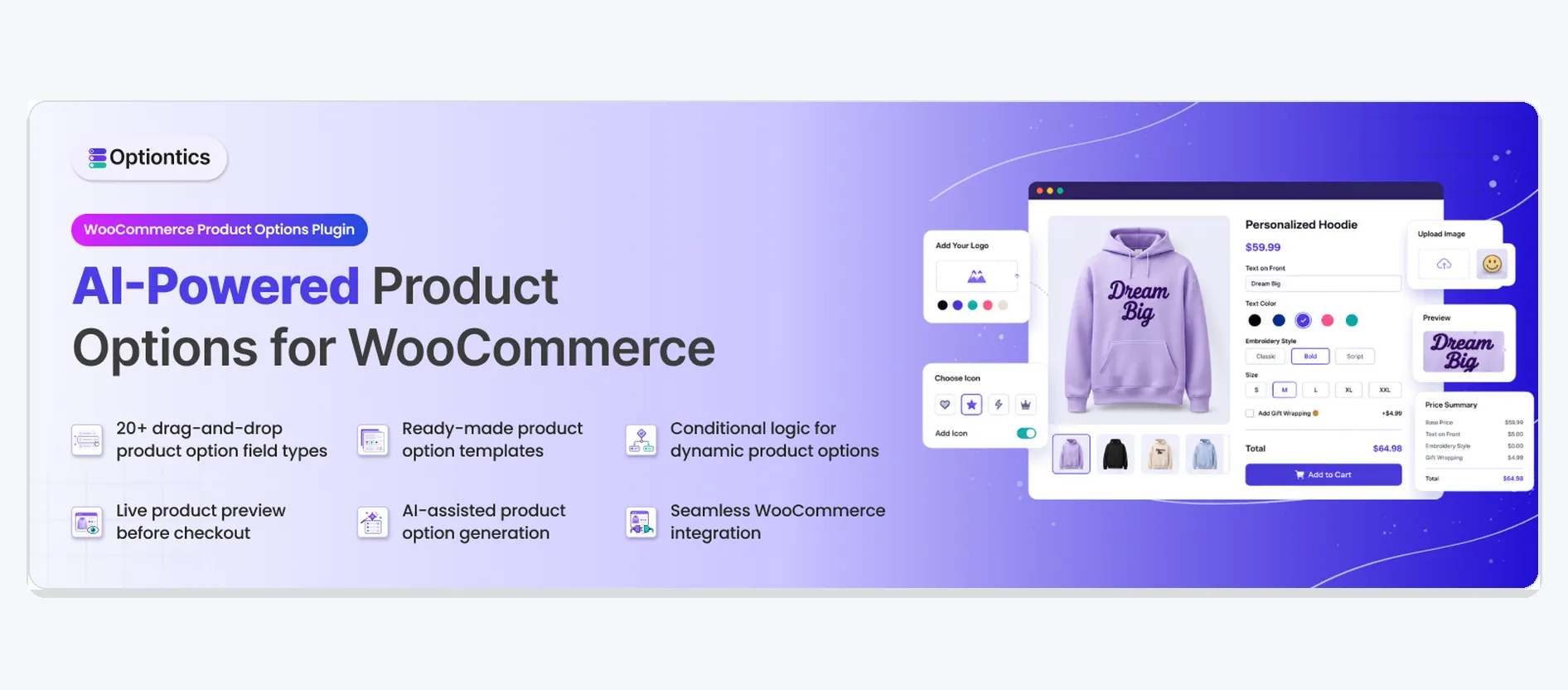
Optiontics is a WooCommerce product personalization plugin that helps you collect customer choices, apply pricing rules, and create configurable products without coding.
Standard WooCommerce variations work well for fixed choices such as size or color. They become less practical when customers need to enter names, upload artwork, select add-ons, answer conditional questions, or pay extra fees.
Optiontics provides a drag-and-drop builder and more than 20 field types, including:
- Text and number fields
- Dropdowns, radio buttons, and checkboxes
- Image and color swatches
- Font, date, time, and range fields
- File uploads
- Conditional logic
- Dynamic price add-ons
- Reusable option templates
You can create an option set manually or start with a reusable template. Optiontics also lists an AI-assisted setup that can generate suggested fields and rules from a product description, but the vendor currently labels this feature as private beta.
For example, a customer ordering a personalized sign could select a size, enter a message, choose a font, upload a reference image, and add gift wrapping. Conditional rules can show only the fields related to that customer’s selections.
Optiontics also supports different pricing methods, including fixed, percentage-based, quantity-based, per-character, and formula-based charges. This helps customers see how their choices affect the final price.
These features turn a standard product page into a practical WooCommerce product configurator. They also help you collect complete order details before production begins.
- Best for: Personalized gifts, custom apparel, engraved products, printed goods, signs, food add-ons, and made-to-order items.
- Keep in mind: Group related fields and use conditional logic so customers only see relevant options. Confirm AI-builder availability before presenting it as a feature included with every plan.
4. Rank Math: Help Shoppers Find Your Personalized Products

Rank Math helps you optimize product titles, descriptions, on-page content, and WooCommerce Product Schema.
Personalized products often match detailed searches. A customer may search for a “personalized leather wallet with initials” instead of a general “wallet.”
Rank Math helps you create focused titles and meta descriptions around these search needs. It can also use WooCommerce data such as price, SKU, brand, availability, and product descriptions in structured product information.
You can use it to review basic on-page SEO elements before publishing. However, your pages still need useful descriptions, original images, and a clear search purpose.
Useful product-page topics may include:
-
Personalized birthday gifts
-
Custom employee merchandise
-
Engraved wedding keepsakes
-
Name-printed school products
-
Best for: Stores targeting product, category, and long-tail organic searches.
-
Keep in mind: An SEO plugin improves structure. It cannot replace strong product content or real search demand.
5. FunnelKit: Create a More Focused Checkout
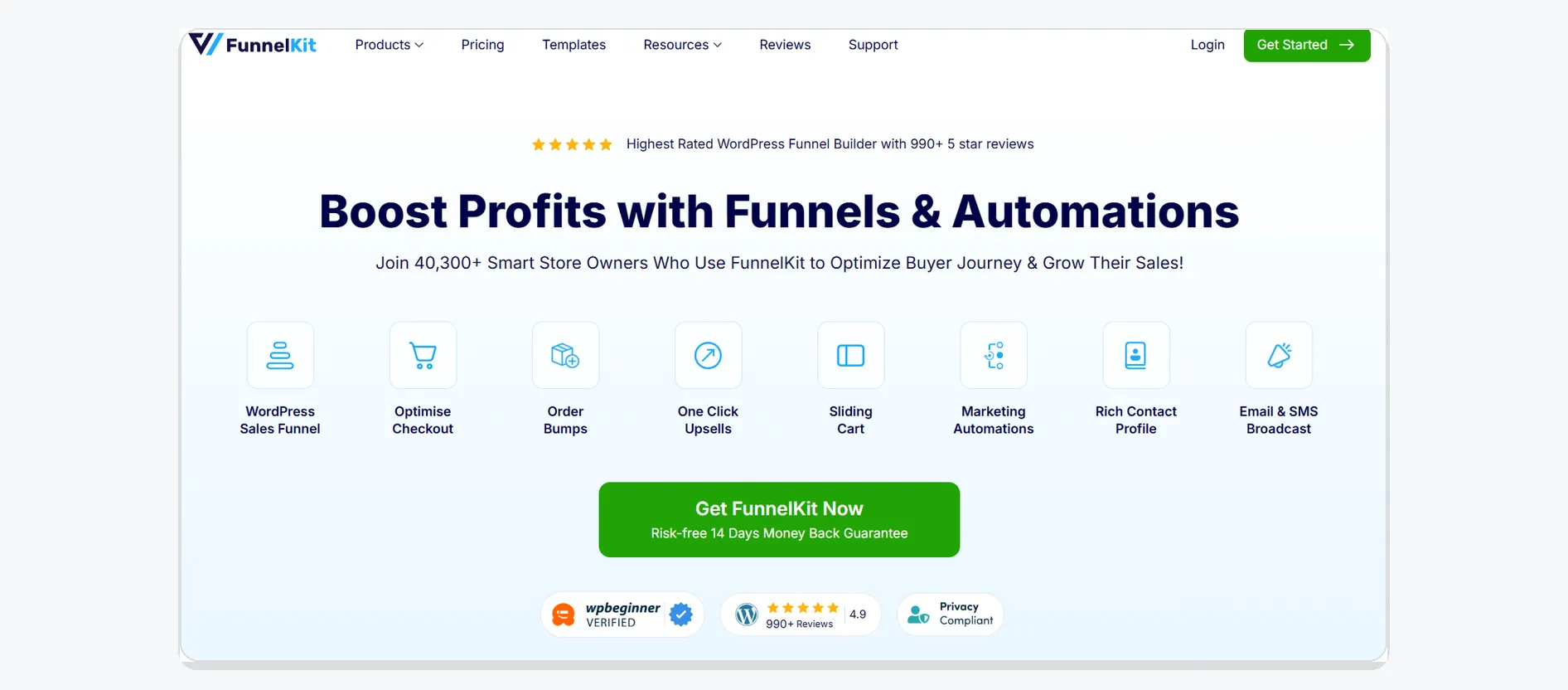
FunnelKit helps you customize the standard WooCommerce checkout and remove unnecessary steps after a customer has personalized a product.
A custom order may already require several decisions. Customers may select a material, enter a message, upload a file, and confirm the final price. The checkout should not make the process harder.
FunnelKit supports global, one-page, and product-specific checkouts. Its optimization features may include:
- Express payment buttons
- Inline field validation
- Address autocomplete
- Auto-applied coupons
- Collapsible fields
- Multi-step checkout
A focused checkout helps customers review the order, enter payment details, and complete the purchase without facing unrelated distractions.
- Best for: Stores that receive qualified traffic but lose customers during cart or checkout.
- Keep in mind: Use order bumps and upsells carefully. They should support the personalized order, not restart the buying decision.
6. PluginHive: Automate Shipping and Tracking
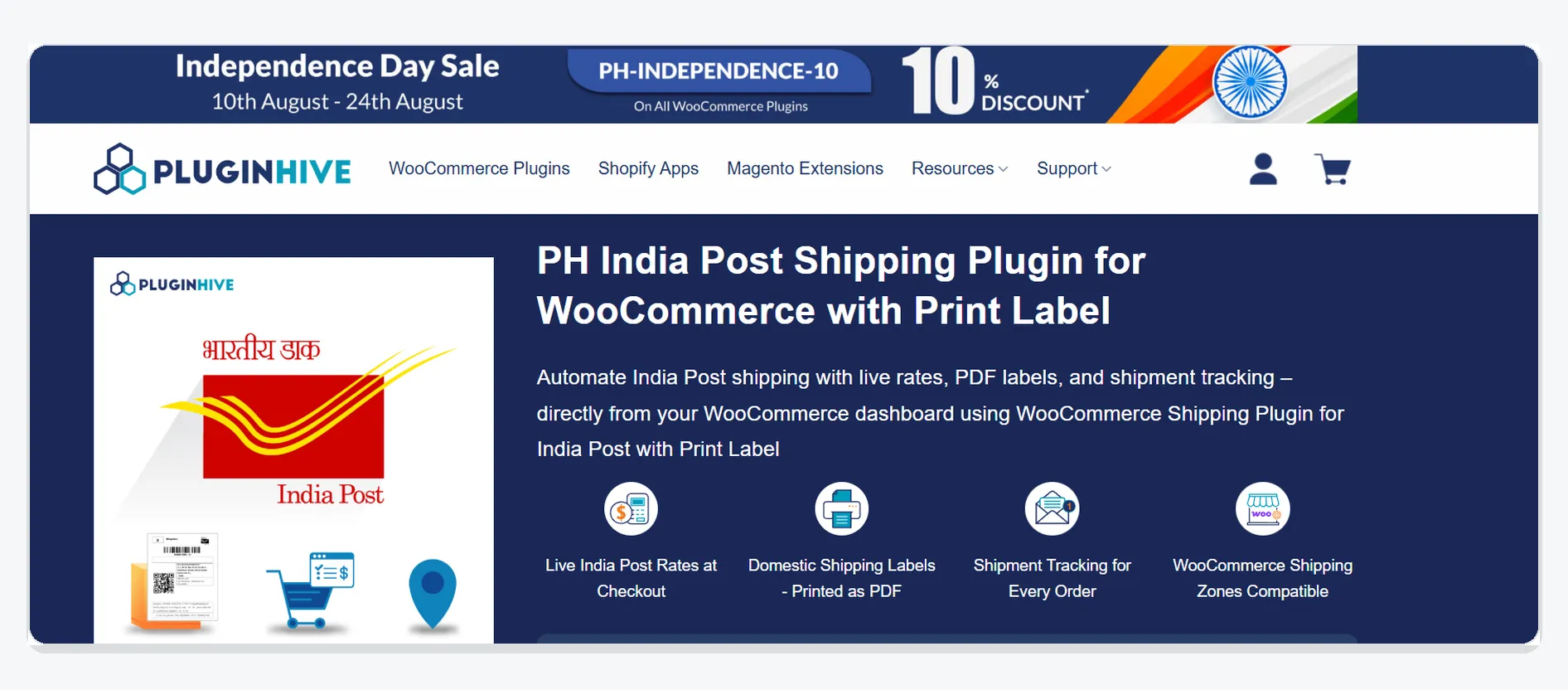
PluginHive WooCommerce Shipping Services helps you manage carrier rates, shipping labels, pickups, and tracking from your WooCommerce workflow.
Personalized orders have two different timelines:
- Production time: How long you need to create the product
- Shipping time: How long the carrier needs to deliver it
Customers should understand both before placing an order.
PluginHive can display live carrier rates, generate labels, schedule pickups, and send tracking updates. It supports several major shipping carriers and reduces the need to copy order details between your store and separate carrier websites.
This gives you a more consistent fulfillment process and provides customers with clearer delivery information.
- Best for: Stores shipping physical personalized products through supported carriers.
- Keep in mind: Check carrier availability for your location. Accurate weights, dimensions, addresses, and package settings are required for reliable rates.
7. Pointics: Encourage Repeat Purchases with Loyalty Rewards
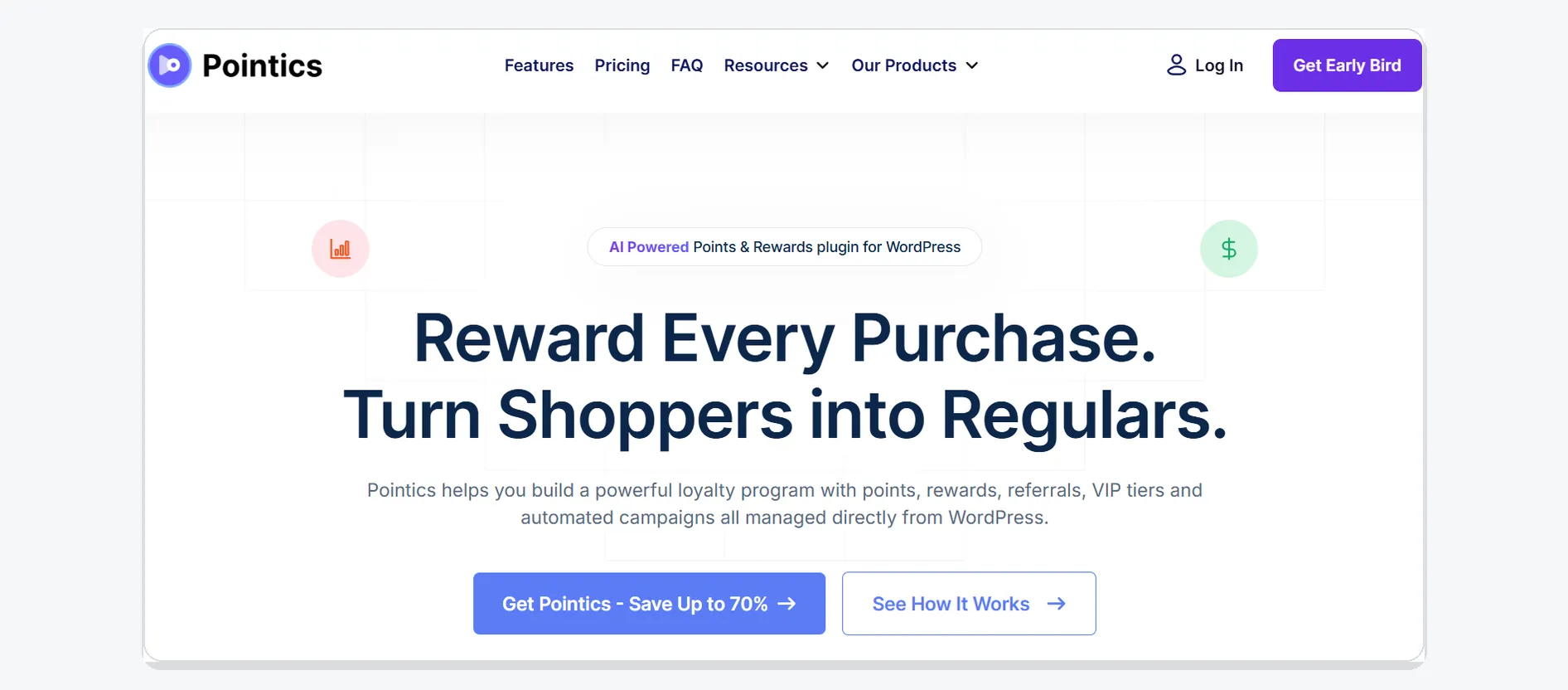
Pointics is a pre-launch WooCommerce points and rewards plugin designed to support repeat purchases, referrals, and long-term customer value.
Personalized products are often purchased for different occasions. A customer who buys a birthday gift may return later for a wedding, anniversary, holiday, or company event.
Pointics is planned to support:
- Points from WooCommerce orders
- Product and spending-based reward rules
- Redeemable coupons and cart credit
- Referral rewards
- VIP loyalty tiers
- Point expiry and bonus campaigns
- Loyalty reporting
You could reward customers for purchasing a product, referring a friend, creating an account, or returning during a seasonal campaign.
- Best for: Stores that want to increase repeat orders, referrals, and customer retention.
- Keep in mind: Pointics is currently in pre-launch. Confirm its public availability and released features before presenting it as an immediately available solution.
How These WooCommerce Tools Work Together
These tools support different stages of the same customer journey. Kinsta runs the store, Elementor shapes the product pages, Optiontics collects custom choices, Rank Math supports discovery, FunnelKit improves checkout, PluginHive manages shipping, and Pointics encourages repeat purchases.
Because each tool has one clear role, you can reduce feature overlap and manage the store more easily.
How to Sell Personalized Products Online with the Right Tool Stack
To sell personalized products online, you need a system that makes customization clear, pricing transparent, checkout simple, and delivery predictable.
Build a Clear Buying Experience
Start with reliable hosting and easy-to-follow product pages. Customers should quickly understand what they can personalize, how much each choice costs, and when the finished product may arrive.
Collect Customer Choices and Improve Visibility
Use WooCommerce product options to collect names, files, colors, materials, and other details. Create focused product pages that match the specific terms your customers search for.
Simplify Checkout, Shipping, and Retention
Remove unnecessary checkout steps. Clearly separate production time from shipping time. Add loyalty rewards once repeat purchases become an important part of your growth strategy.
Which WooCommerce Tools Should Small Businesses Implement First?
Small businesses should begin with the tools needed to present, personalize, and sell their products. Additional tools can be added as traffic, orders, and operational needs increase.
Starting a New Store
Begin with Kinsta, Elementor, Optiontics, and Rank Math. These tools cover infrastructure, product presentation, personalization, and search visibility.
Improving an Existing Store
Add FunnelKit when checkout needs improvement. Add PluginHive when rates, labels, and tracking become difficult to manage manually.
Increasing Repeat Purchases
Consider Pointics when it becomes publicly available and customer retention becomes a priority.
Common Mistakes to Avoid
The wrong tool setup can create more work instead of reducing it. Avoid overlap, unnecessary complexity, and unclear customer information.
Installing Tools with Similar Functions
Using several tools for the same job can create conflicts, reduce performance, and increase maintenance.
Showing Too Many Product Options
Too many choices may overwhelm customers. Use grouped fields and conditional rules to show only relevant options.
Hiding Costs and Delivery Details
Show additional fees, file requirements, production times, and shipping estimates before the customer pays.
Final Thoughts
The best WooCommerce tools for custom products make ordering easier for customers and store management easier for you.
Build your stack in stages. Add a tool only when it solves a clear customer, operational, or growth problem.
Frequently Asked Questions
What Are the Best WooCommerce Plugins for Custom Products?
The best WooCommerce plugins for custom products depend on the problems your store needs to solve. A complete setup may include tools for product personalization, page design, SEO, checkout, shipping, hosting, and customer retention. Choose one suitable tool for each function instead of installing several plugins with overlapping features.
Does WooCommerce Support Personalized Products?
Yes, WooCommerce supports basic product variations such as size and color. However, WooCommerce personalized products often require additional fields for names, messages, artwork uploads, add-ons, conditional choices, and extra fees. A dedicated product-options plugin can add these features without requiring custom development.
What Is a WooCommerce Product Configurator?
A WooCommerce product configurator allows customers to select or enter product details before adding an item to the cart. Depending on the tool, it may include text fields, dropdowns, image or color swatches, file uploads, conditional options, dynamic pricing, and product previews.
Can Customers Upload Artwork to WooCommerce Products?
Yes, customers can upload artwork, logos, photographs, or reference files when your product-options tool supports file uploads. Clearly state the accepted file formats, maximum file size, image-quality requirements, and production instructions so customers can provide usable files and avoid delays.
How Can I Charge Extra for Product Personalization?
You can attach additional charges to specific product options, premium materials, engraving, artwork setup, gift wrapping, rush production, or other services. Depending on your product-options plugin, fees may be fixed, percentage-based, quantity-based, or conditional. Always show the updated price before the customer reaches checkout.
Do I Need Every WooCommerce Tool from Day One?
No, you do not need every tool when launching your store. Begin with the tools required to host the website, present products, collect personalization details, and process orders. Add checkout optimization, shipping automation, SEO, and loyalty features when your traffic, order volume, and operational needs increase.
Written by
MD Zannatun Nime
August 26, 2026
MD Zannatun Nime writes about WordPress, developer tools, and web design in a simple and easy-to-follow way. He enjoys making complex topics clear, practical, and useful for everyday readers.
Related reading

WOOCOMMERCE
WPSubscription V2.0 Review: WooCommerce Subscription Plans Management
A hands-on review of WPSubscription 2.0. Explore centralized subscription plans, real-time metrics dashboards, retention offers, and practical use cases for WooCommerce stores.

WOOCOMMERCE
Best AI Product Recommendation Plugin for WooCommerce
Looking for the best AI product recommendation plugin for WooCommerce? Learn how AI recommendations work, compare top plugins, and set up personalized product suggestions step-by-step.
WOOCOMMERCE
How to Export WooCommerce Products as an XML or CSV Feed [2026]
Learn how to export WooCommerce products as CSV or XML step by step. Plus, find out when you need a product feed to sell across 200+ marketplaces like Google Shopping, Facebook, and TikTok.